
Important note: Although we use iLok to license our products, you do NOT need an iLok USB to use our products. iLok License Manager can be used to activate the license to the computer itself, or to an iLok USB plugged into the computer.
1. Download and install iLok License Manager.
2. Go to Licenses > Redeem Activation Code.
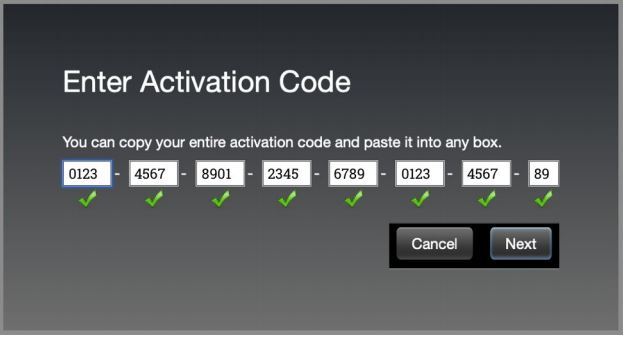
3. Copy and paste your Activation Code in, and click next.
4. Follow the onscreen instructions.
Mac Video Installation Guide
Windows Video Installation Guide
iLok Registration
1. Go to the iLok website and create a new account if you are not currently registered and do not have the iLok Licence Manager installed on your computer
Note: Skip to the 'Registration' procedure if you are already an iLok registered user
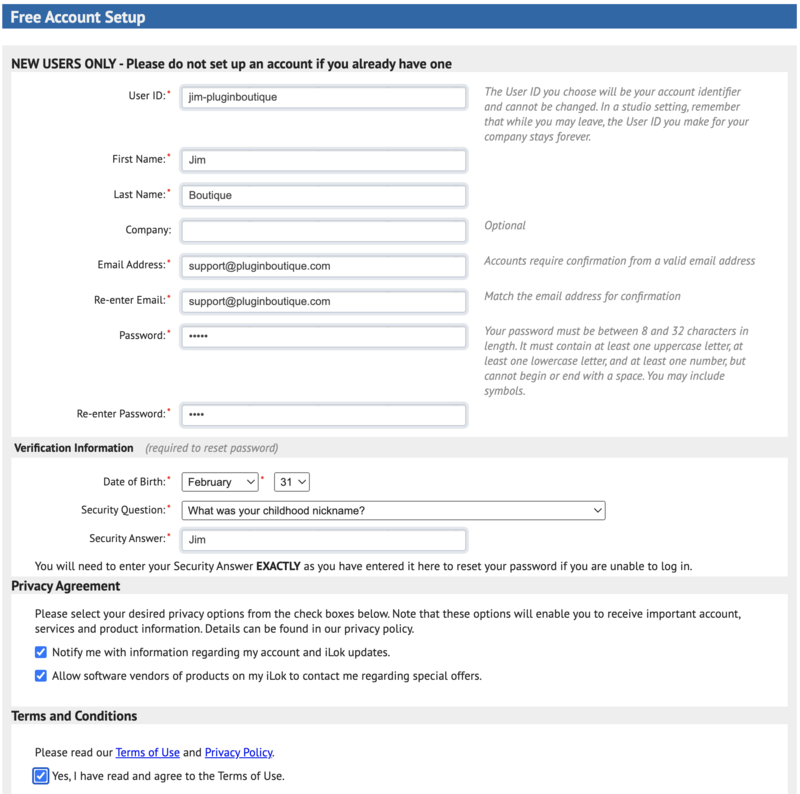
2. Download and install the iLok License Manager
SSL Download Manager Installation
1. Go to https://solidstatelogic.com/ssl-download-manager or click DOWNLOAD in your Plugin Boutique User Account
2. Click either macOS or Windows to download the installer (Linux versions available here)

3. Double-click installer > Follow the on-screen instructions to install
4. Open SSL Download Manager

5. Locate Harrison Bass Flow & SSL Guitarstrip > Click Install on each plugin
iLok Authorisation
1. Open your iLok license manager application > click Sign In

2. Enter your iLok registered User ID and password > click Sign In
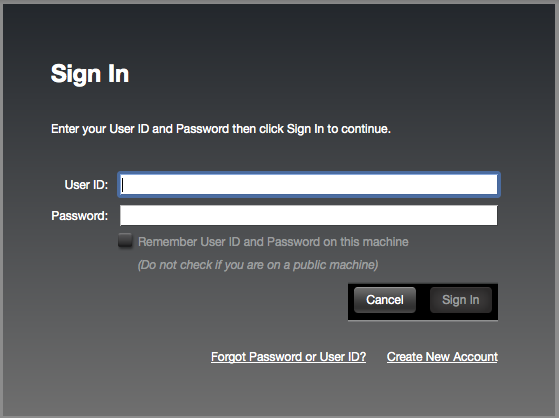
3. Once you are signed in, click the ‘Redeem’ icon which is located at the top-right corner of the iLok Licence Manager’s interface

4. Copy and paste/manually enter the 30-digit code from your Plugin Boutique User Account into the available Activation Code boxes, and then click Next
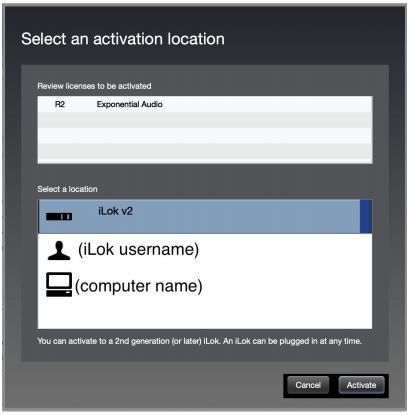
5. Select your activation destination > Click Activate
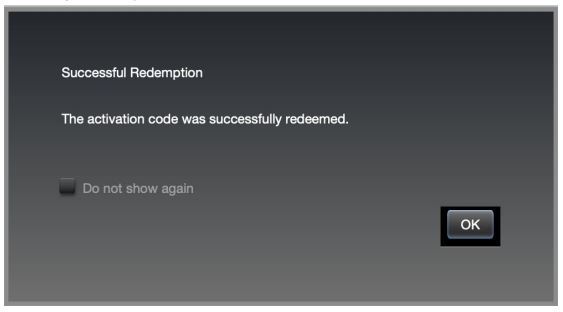
6. Click OK
7. Open the plugins in your DAW
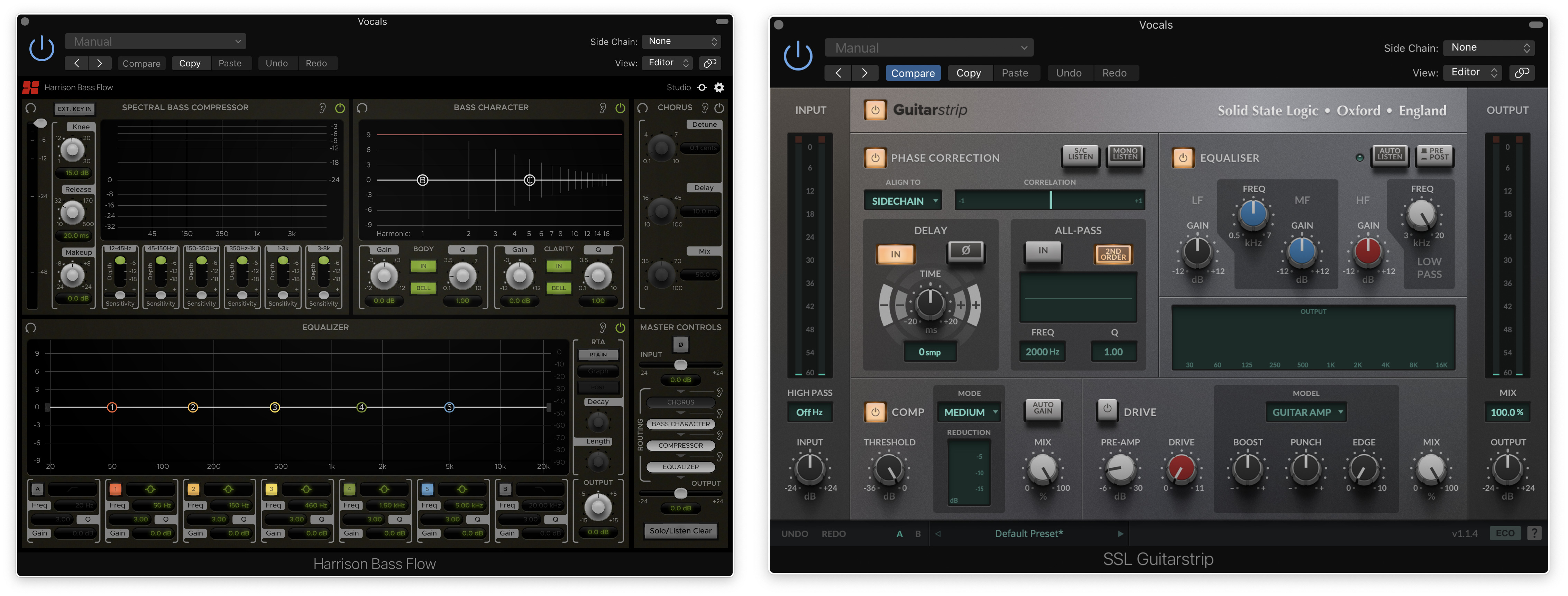
Your plugins are now installed and ready to use. Enjoy!
If you would like any further assistance with your software, please feel free to reach out to our support team at support@pluginboutique.com.