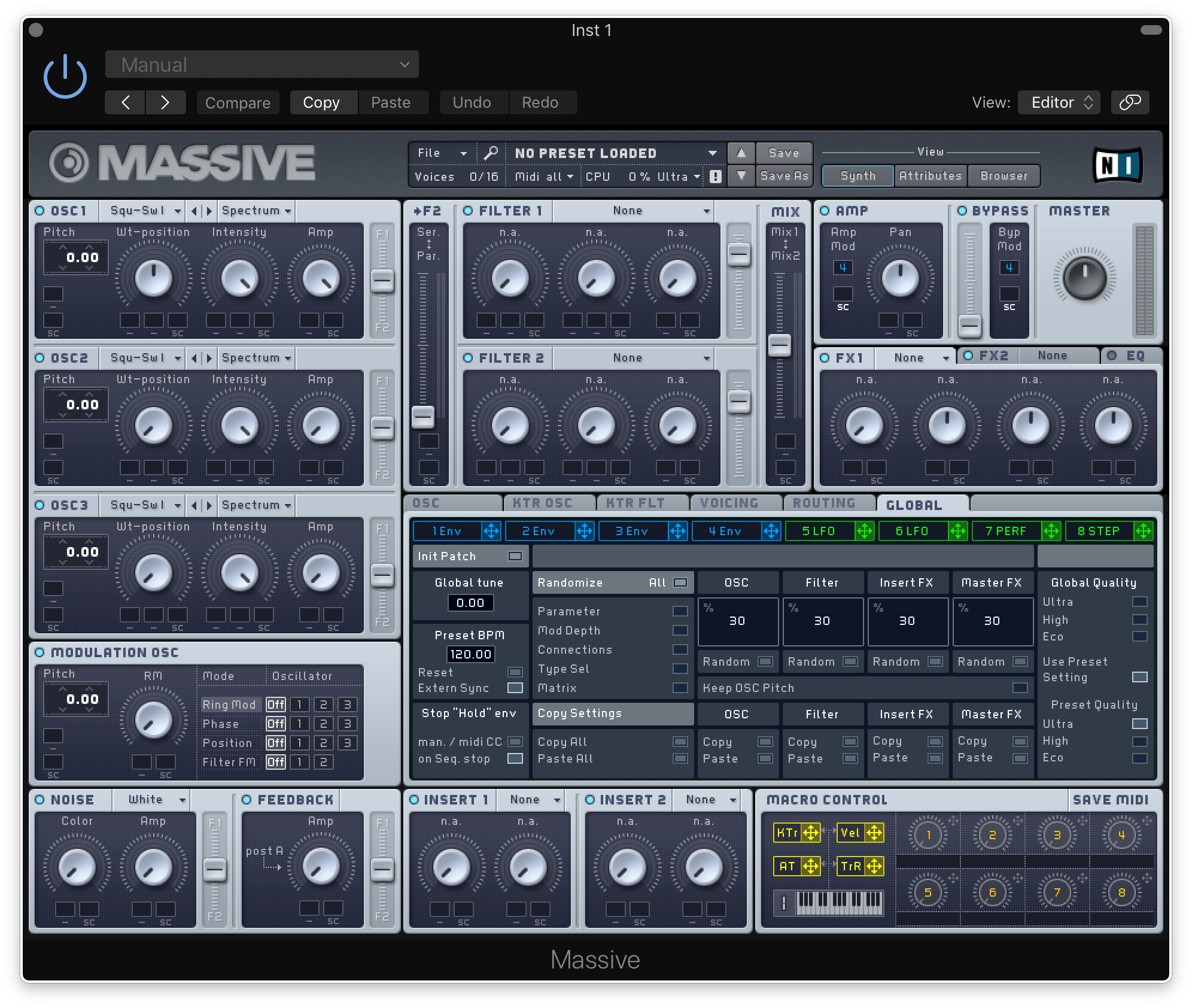
This guide provides information on how to register, authorise and install Traktor LE.
Note: Massive is used as an example.
1. Download the appropriate Native Access Mac installer from the options below:
Intel Version M1/M2 Version
2. Double-click the .dmg file to install Native Access.
3. Open Native Access > Create a new Native ID if you do not have one already. If you do, skip ahead to step 5.

4. You will then receive an email with a confirmation link > Open the email and click 'CONFIRM EMAIL'.

5. Log in to Native Access with your Native ID.

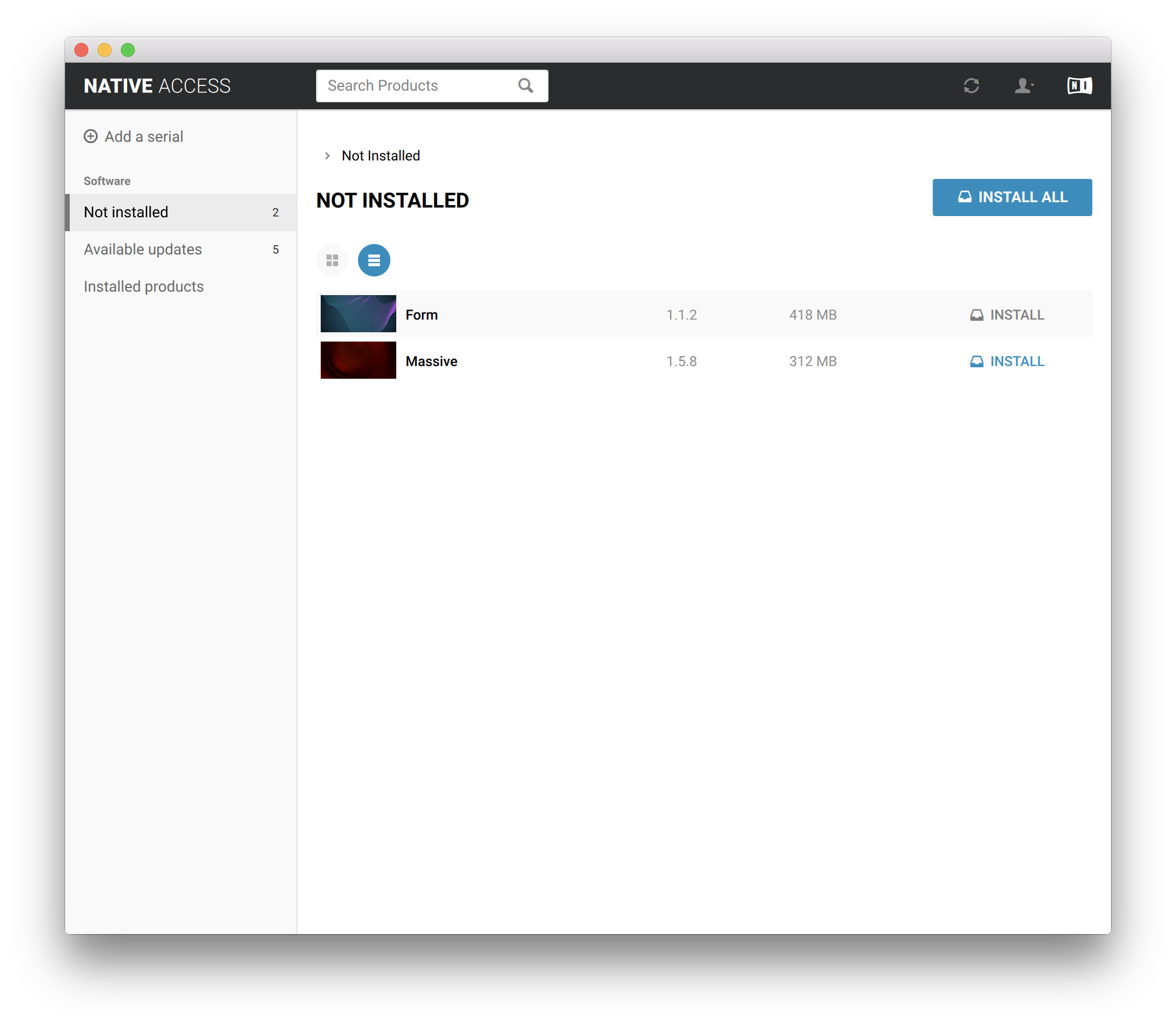
6. Click 'Add a serial'

7. Enter your Serial Number found in your Plugin Boutique User Account > Click 'ADD SERIAL'.

8. Click the 'Not installed' tab > Locate Massive > Click 'INSTALL'.
Your software is now activated and ready for use within your DAW.