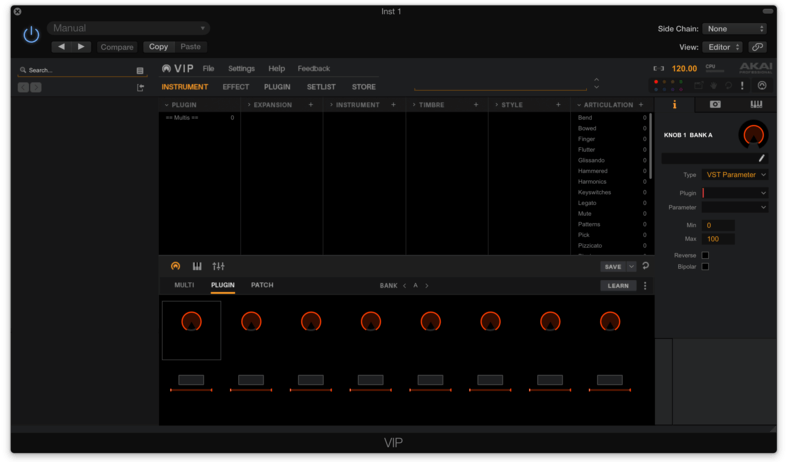
1. Download the Mac installer file from the AKAI VIP Download Area.
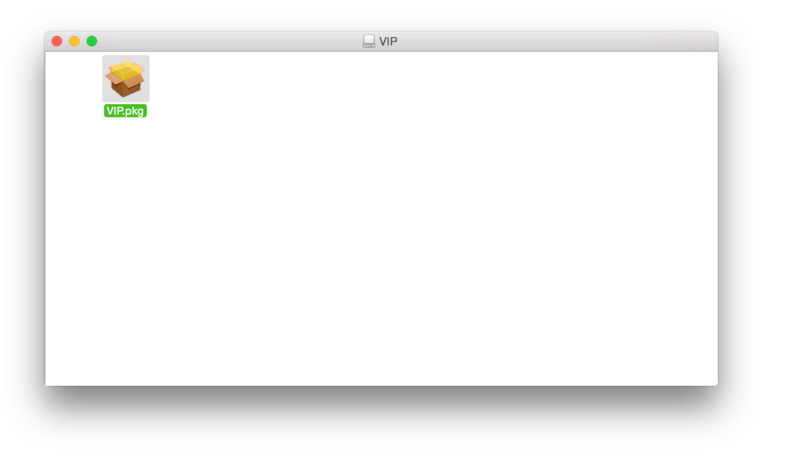
2. Once downloaded, double-click on the .dmg file to launch the .pkg application installer software.
3. Double-click the VIP.pkg icon to begin the installation process.
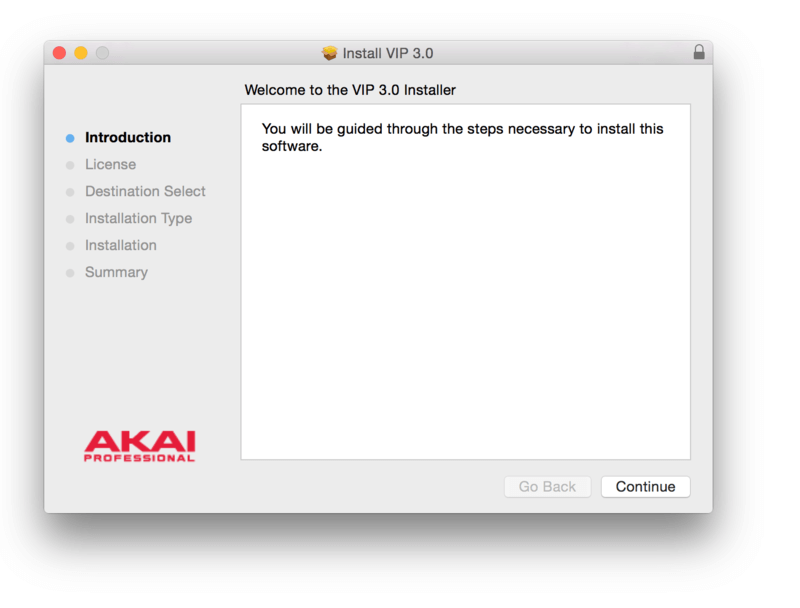
4. Click 'Continue'.
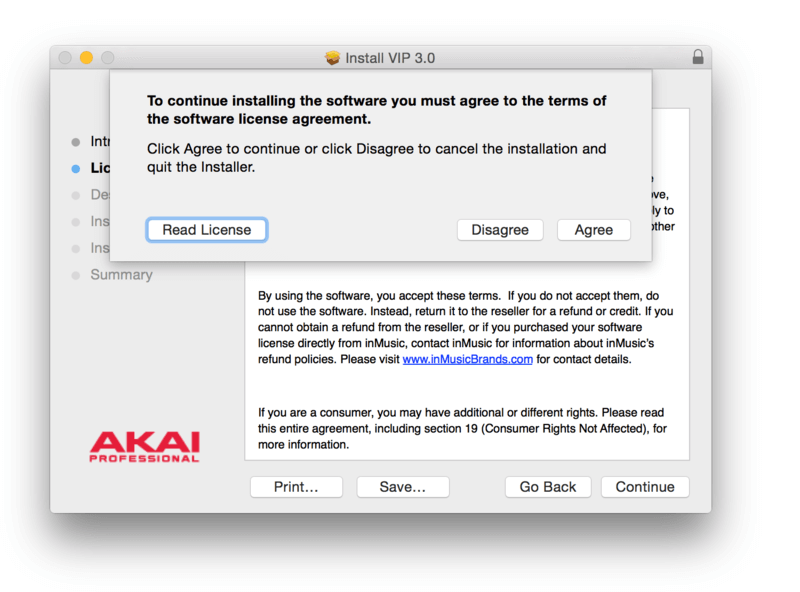
5. Read through the licence agreement > click 'Continue' then 'Agree'.
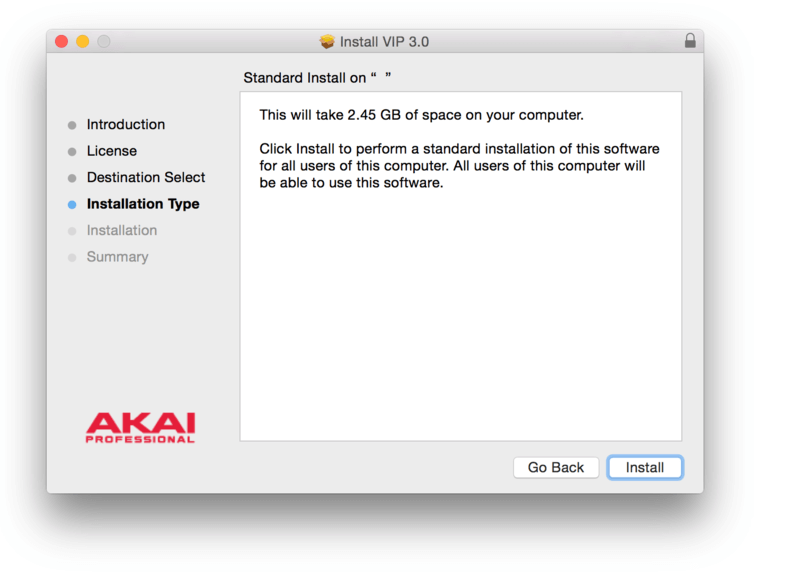
6. Review the installation and click 'Install' to confirm it.
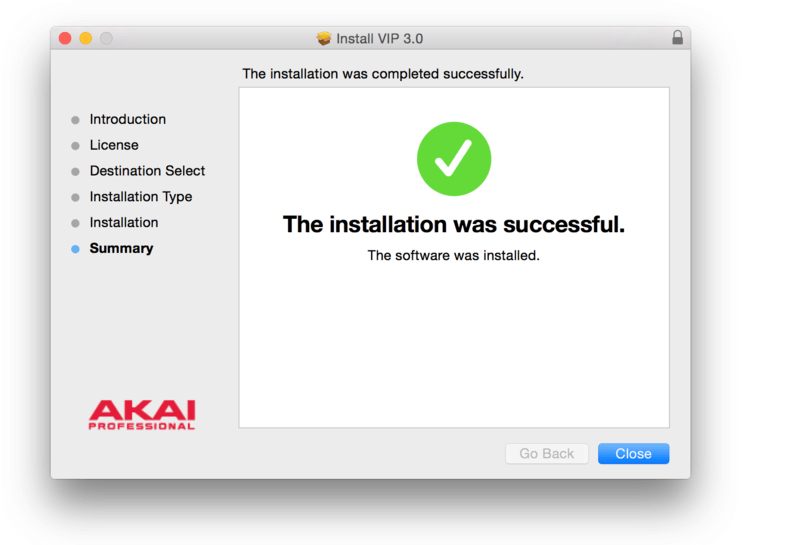
7. The installation of the software has successfully completed > click 'Close'.
8. Locate and open the 'Akai Professional VIP' software within your DAW.
Note: Restart your DAW and rescan the plug-in selection to show the new installation (in the event it fails to appear).
9. Select the MIDI device that you wish to connect to the VIP software.
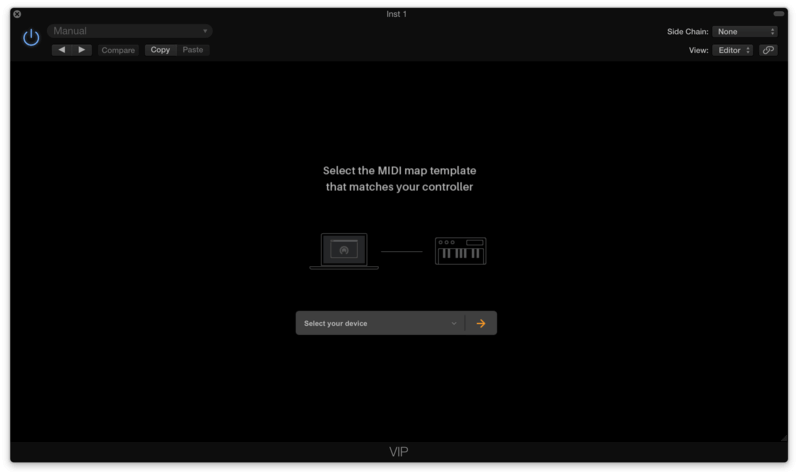
The Software is now Ready for Use Within Your DAW!