
Welcome to the Scaler Music installation page.
Please find our installation guide videos below, which provide information on how to register, install and authorise your Scaler Music software.
Mac Video Installation Guide
Windows Video Installation Guide
Please note: The scaler 3.3 & Scaler EQ Pro instructions have changed. Please follow the step-by-step instructions below to activate and download your software.
Scaler 3 & Scaler EQ Pro Redeem Codes
1. Create an account at https://scalermusic.com/redeem/ (This does not have to be the same email address you use at Plugin Boutique).
2. Click ‘Redeem My Code’
(You will also receive an email confirming your account. Please check your Junk/Spam folder)
3. Enter the Redeem Code you received from Plugin Boutique for your Scaler 3 purchase. (it will look like this: redeem-XXX39e7d-c653-4647-bbd2-XXXXXXXXXXXX)
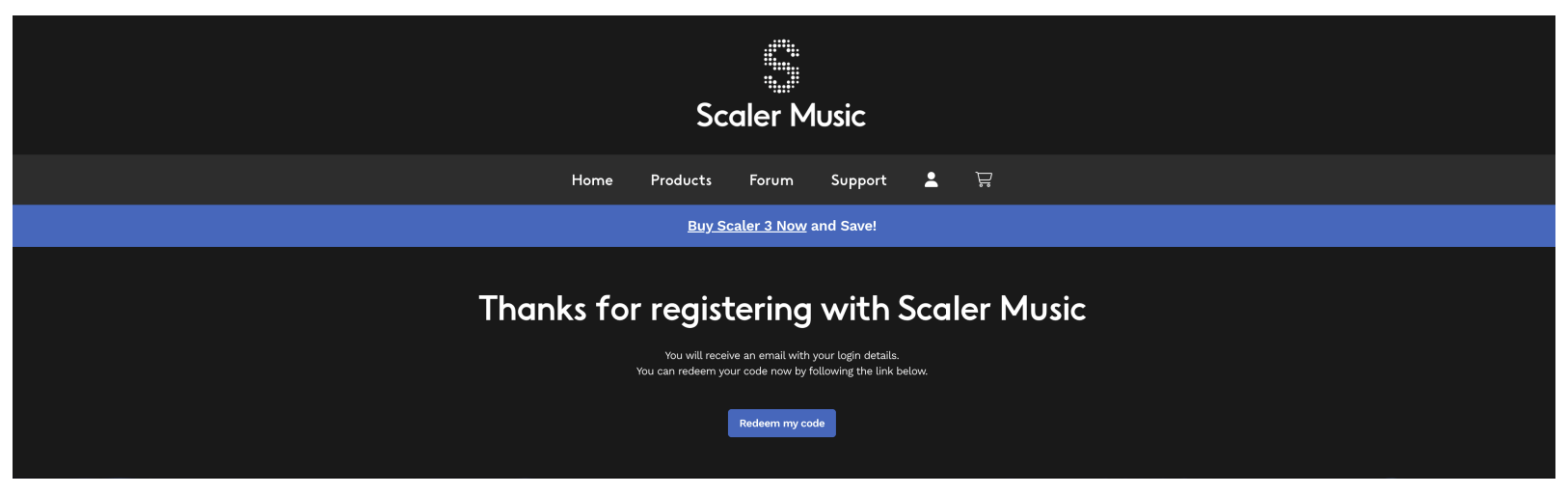
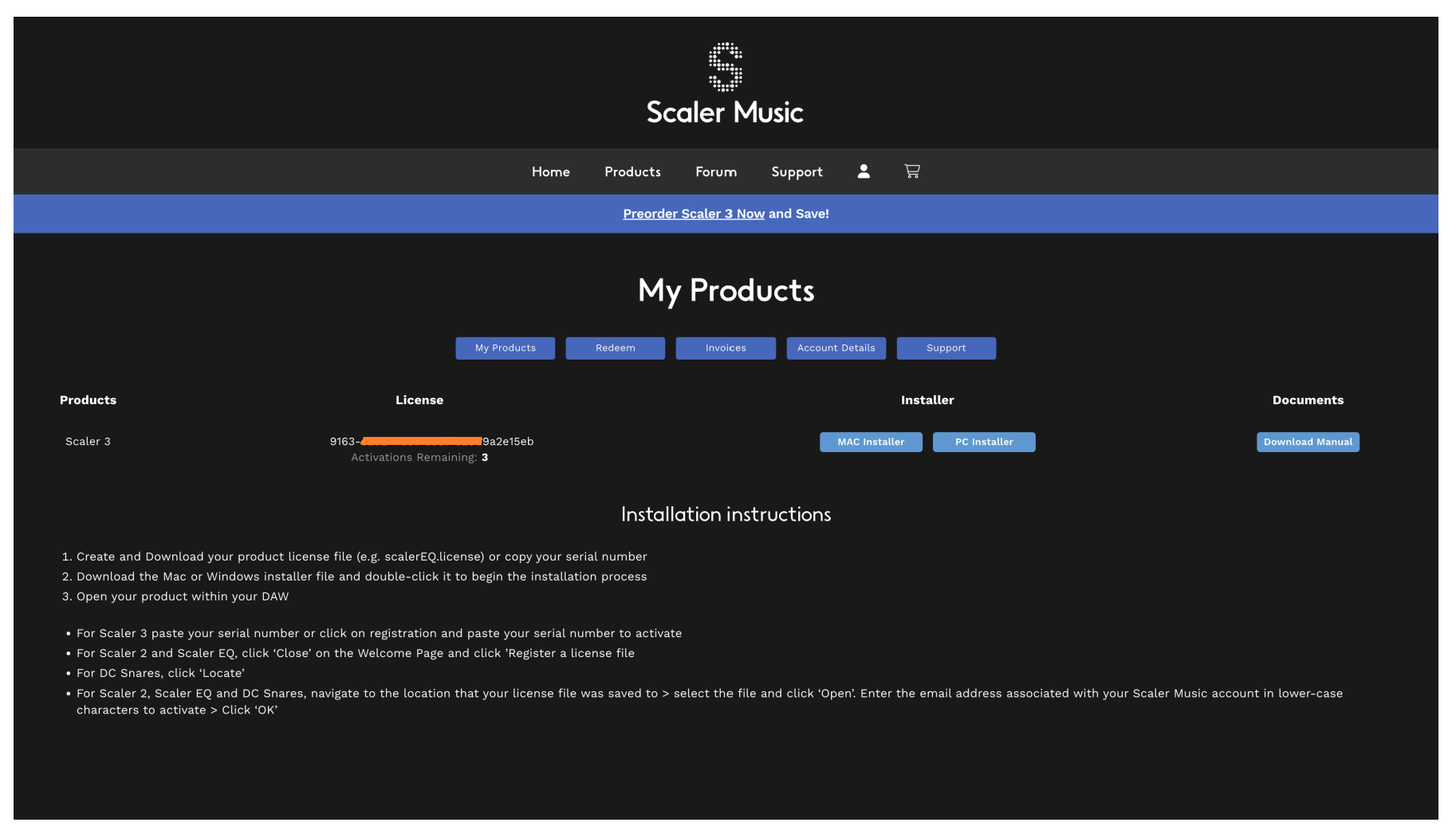
4. You will see a confirmation page confirming that your redeem code is valid and that your Scaler 3 licence is being generated. Click 'Go to My Products', or select 'My Products' from your Dashboard, where you'll find your Scaler 3 licence code, Mac and Windows installers, and Device Management and Documents download links.
5. Follow the Installation Instructions to install and activate Scaler 3.
For other Excite Audio products, here is the step-by-step guide
Download
1. Find Scaler 3 in your Plugin Boutique Library > select the download for your chosen OS (blue macOS/Windows icon) > click DOWNLOAD.
Important note: The registration process must be completed before installation.

Registration and installation
1. Create an account at https://scalermusic.com/redeem/ (This does not have to be the same email address you use at Plugin Boutique).
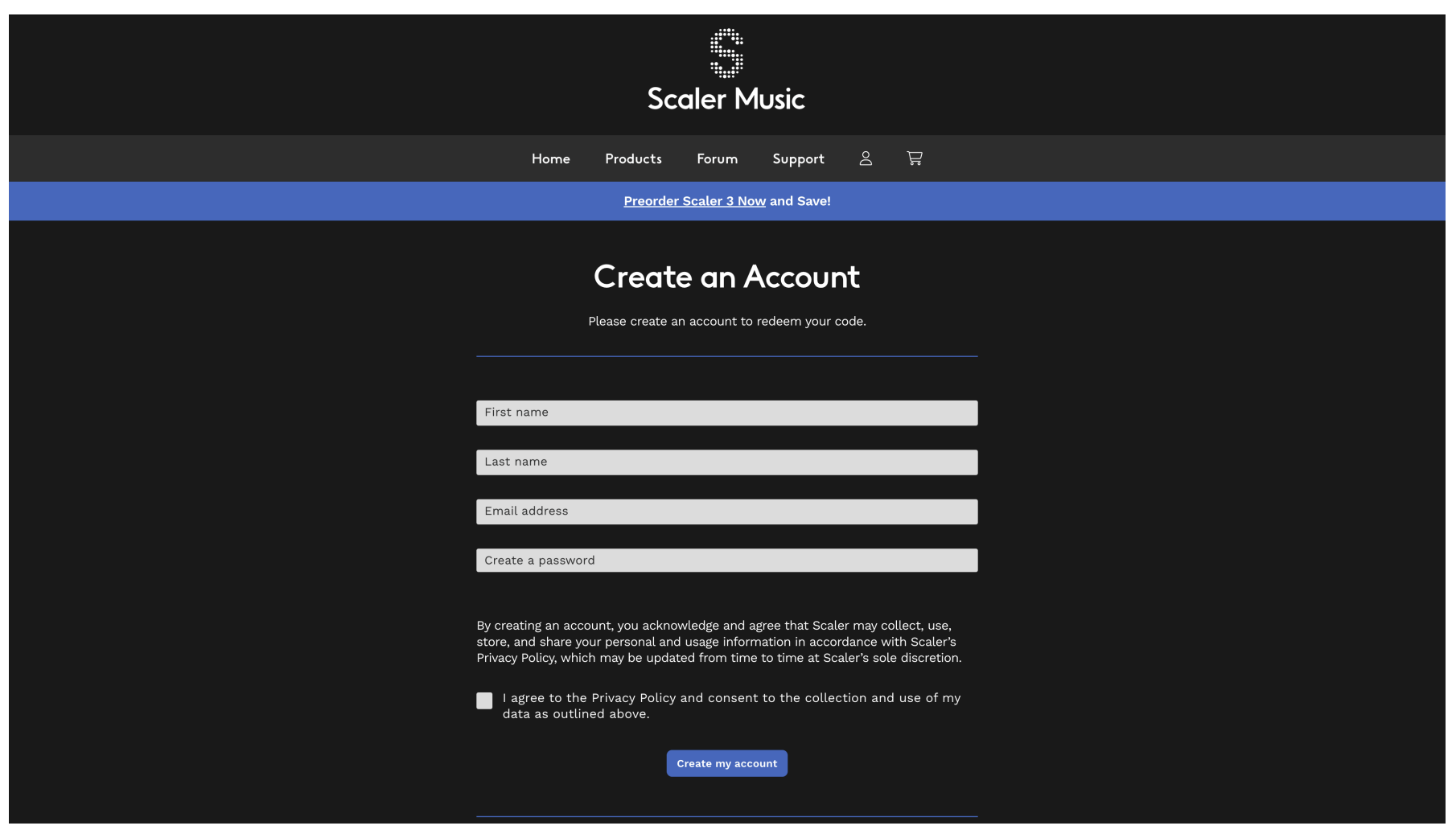
2. Click Redeem my code
5. Enter the Scaler 3 Redeem Code found in your Plugin Boutique User Account (it will look like this 'redeem-XXX39e7d-c653-4647-bbd2-XXXXXXXXXXXX') > Click Go!

6. You will see a confirmation page confirming your Scaler 3 serial number has been added to your account
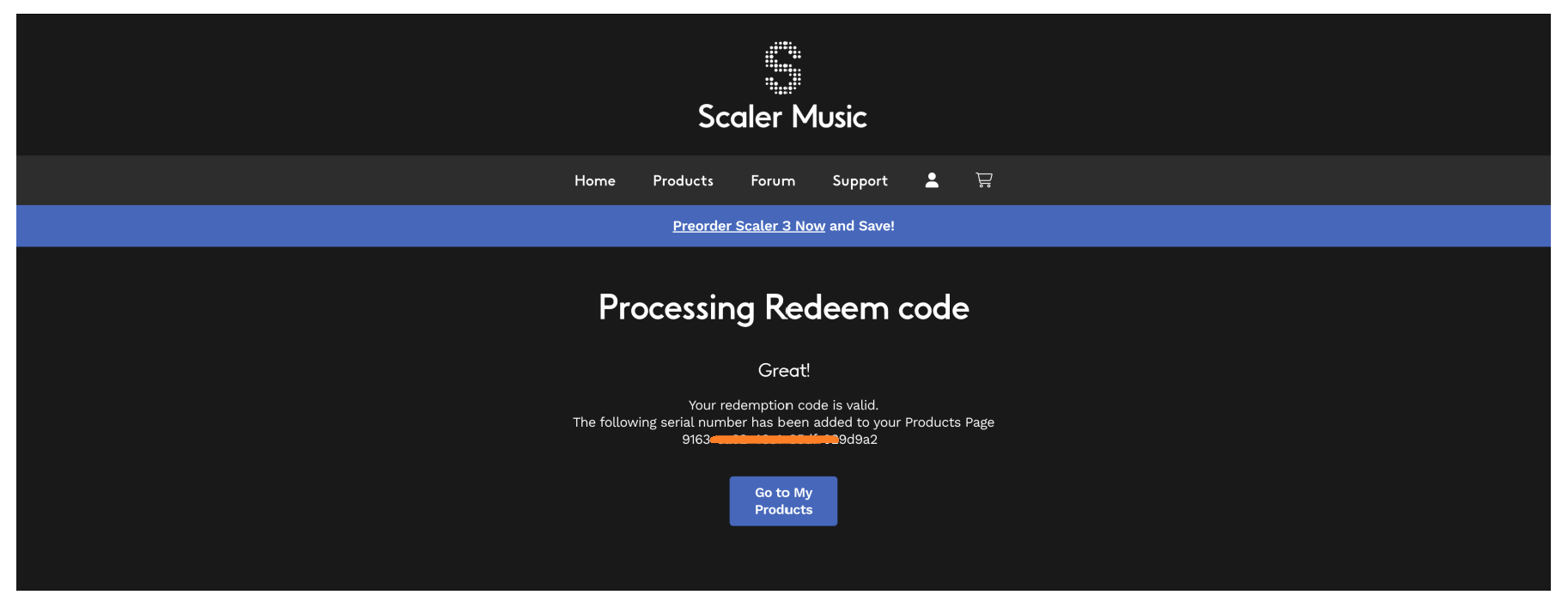
7. Click > Go to My Products or from your Dashboard click My Products where you will find your Scaler 3 Serial number, activations remaining, Mac and Windows installer and Documents downloads
8. Follow the installation Instructions to install and activate your product
If you would like any further assistance with your software, please feel free to reach out to our support team at support@pluginboutique.com.