
Welcome to the Fabfilter installation page.
Please find our installation guide videos below, which provide information on how to register, install and authorise your Fabfilter software.
Mac Video Installation Guide
Windows Video Installation Guide
Alternatively, please take a look at our step-by-step guides below.
Mac
1. Navigate to https://www.fabfilter.com/activate > Enter your 12-letter activation code and complete the remainder of the form > Click 'Activate'.
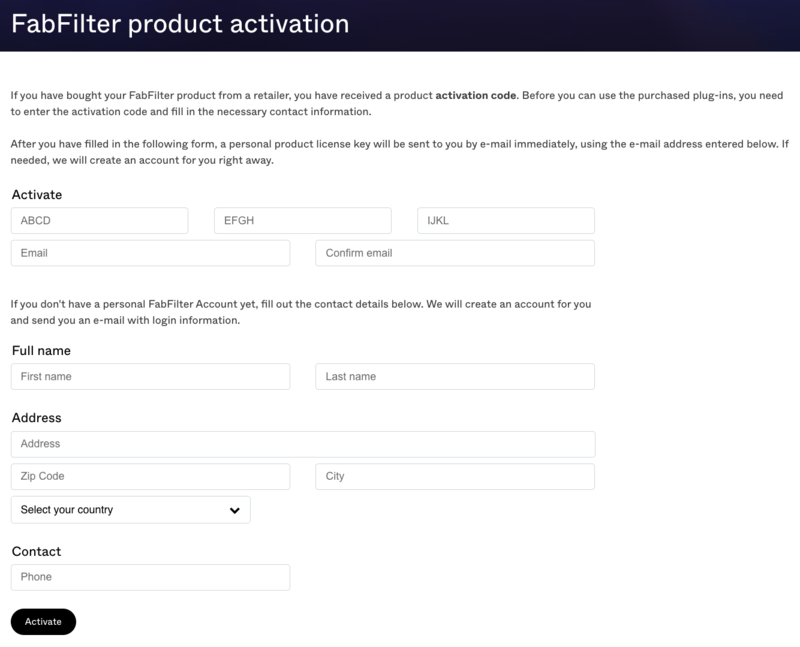
2. Download the installer from your Plugin Boutique User Account > Run the downloaded .dmg file > Launch the .pkg installer.

3. Click 'Continue'.
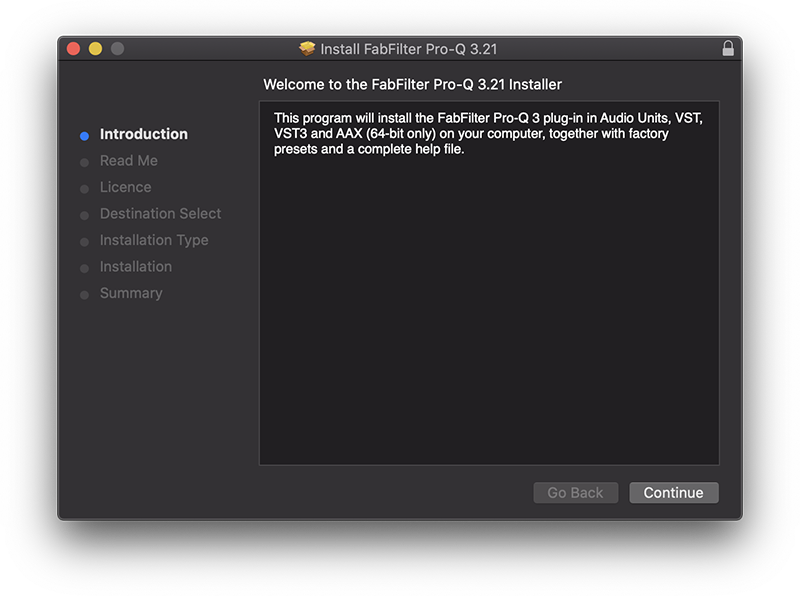
4. Click 'Continue'.
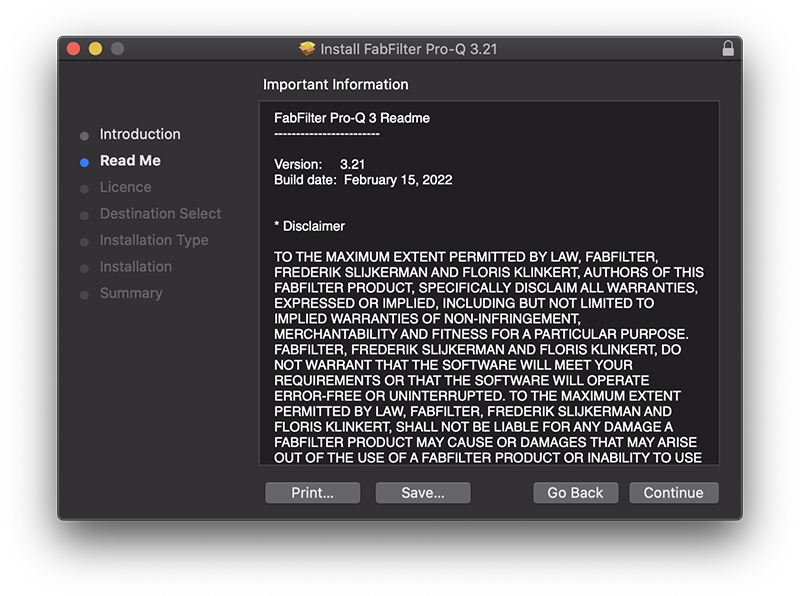
5. Click 'Continue'.
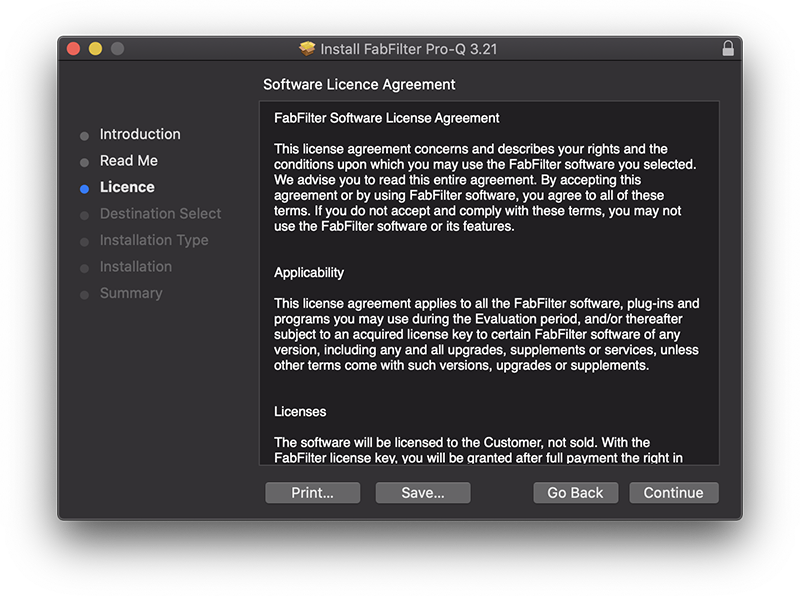
6. Click 'Agree'.
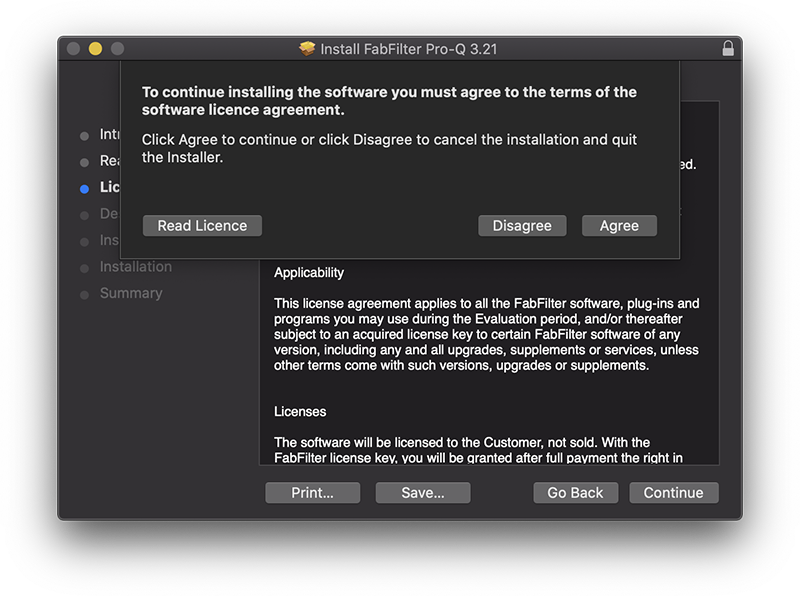
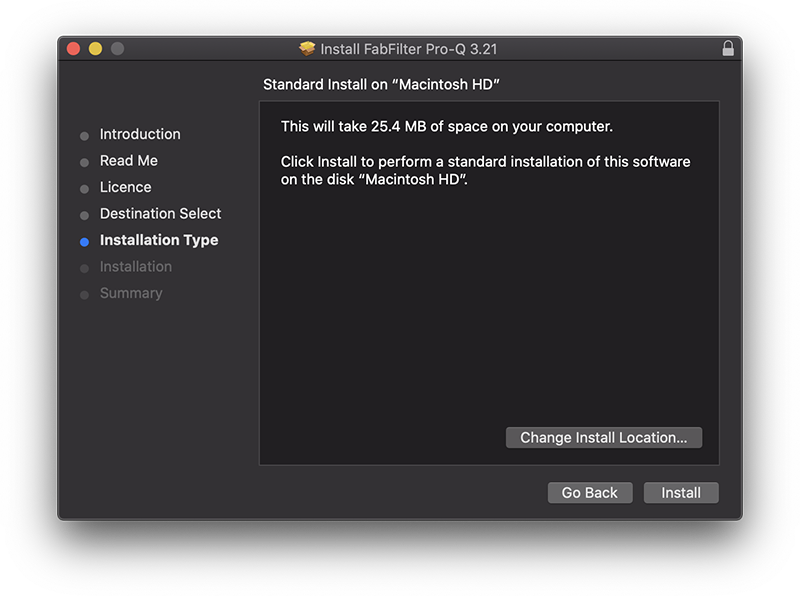
7. Click 'Install'.
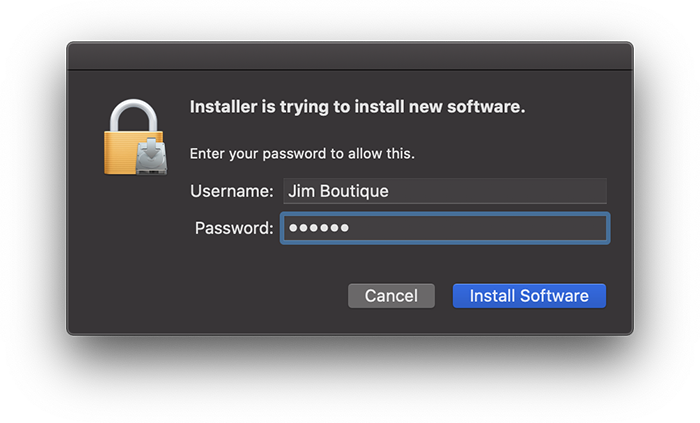
8. Enter your system password > Click 'Install Software'.
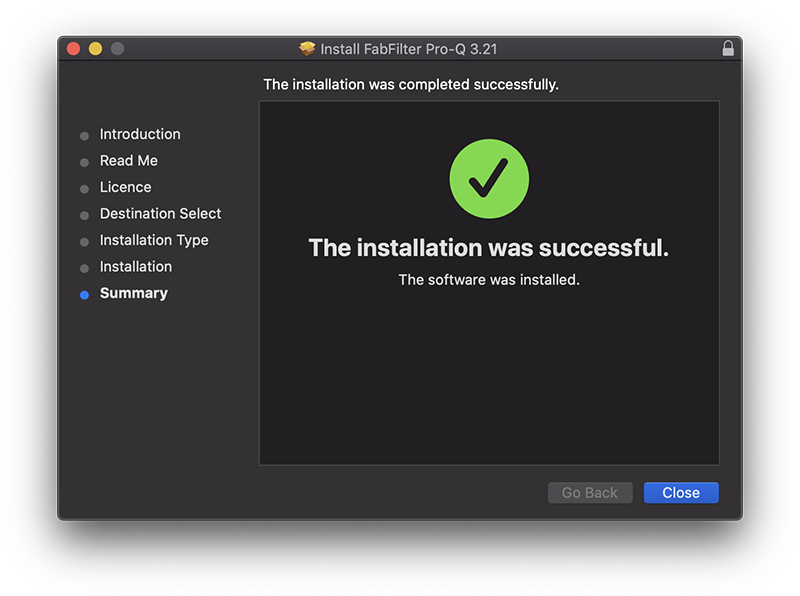
9. Click 'Close'.
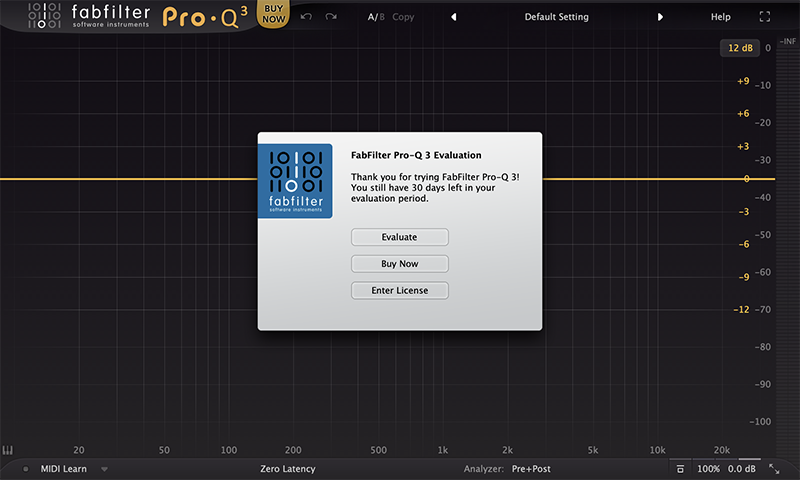
10. Launch your DAW > Insert Pro-Q 3 on a new track > Click 'Enter License'.
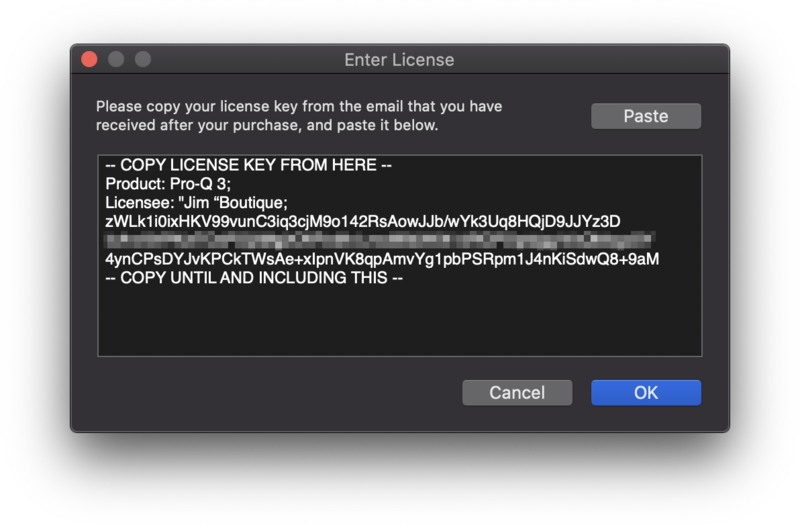
11. Navigate to your email inbox > Locate the email from FabFilter which contains your License Key (not your Activation code supplied by Plugin Boutique) > Right-click and copy the entire License Key, including -- COPY LICENSE KEY FROM HERE -- until -- COPY UNTIL AND INCLUDING THIS -- > Paste the License Key into the text box > Click 'OK'.
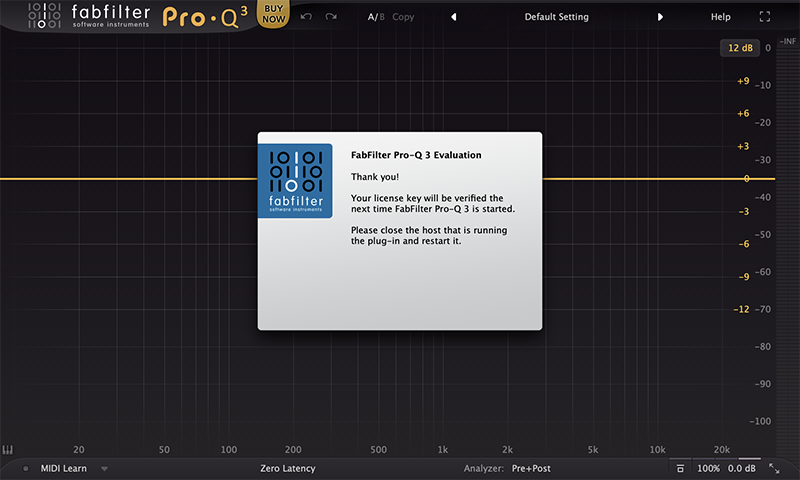
12. Close and restart your DAW > Insert Pro-Q 3 on a new track.
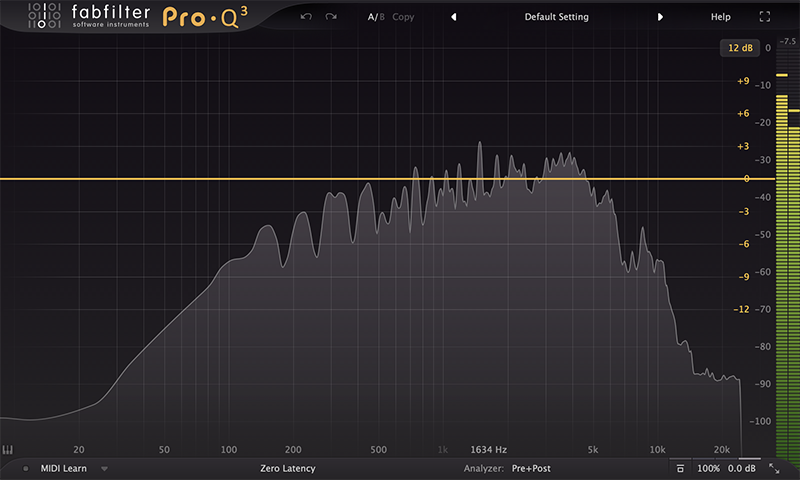
Pro-Q 3 is now installed, activated and ready to use.
Windows
1. Navigate to https://www.fabfilter.com/activate > Enter your 12-letter activation code and complete the remainder of the form > Click 'Activate'.
2. Download the installer from your Plugin Boutique User Account > Extract the .zip folder > Run the .exe installer.

3. Click 'Next'.

4. Click 'Yes'.

5. If installing VST 2 click 'Browse' and locate your VST 2 folder > Click 'Next'.

6. Click 'Next'.

7. Click 'Next'.

8. Click 'Install'.

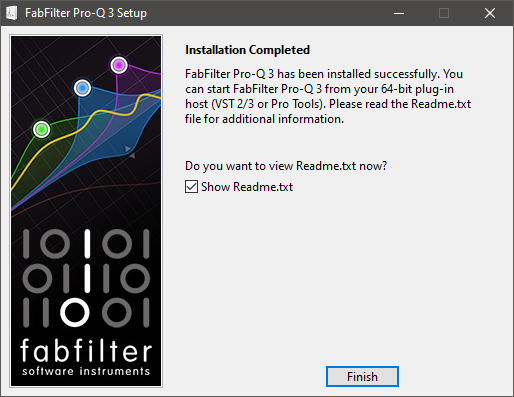
9. Click 'Finish'.
10. Launch your DAW > Insert Pro-Q 3 on a new track > Click 'Enter License'.
11. Navigate to your email inbox > Locate the email from FabFilter which contains your License Key (not your Activation code supplied by Plugin Boutique) > Right-click and copy the entire License Key, including -- COPY LICENSE KEY FROM HERE -- until -- COPY UNTIL AND INCLUDING THIS -- > Paste the License Key into the text box > Click 'OK'.

12. Close and restart your DAW > Insert Pro-Q 3 on a new track.
Pro-Q 3 is now installed, activated and ready to use.
If you would like any further assistance with your software, please feel free to reach out to our support team at support@pluginboutique.com.