
Welcome to the Devious Machines installation page.
Please take a look at our installation guide videos below, which provide information on how to register, install and authorise your Devious Machines software.
System Requirements
macOS
- OS X 10.13 or later (Intel / Apple Silicon supported) (64-bit only)
- VST, AU, AAX
Windows
- Windows 10 or later (64-bit only)
- VST, AAX
Important Notes:
- DAW with sidechain functionality is required.
- 2 GB of RAM is recommended.
Mac Video Installation Guide
Windows Video Installation Guide
Alternatively, you can follow the step-by-step instructions below for your software.
Installation Instructions
Mac
Installation
1. Download the .pkg file from your Plugin Boutique account > Double-click it to begin the installation.
2. Click 'Continue'.
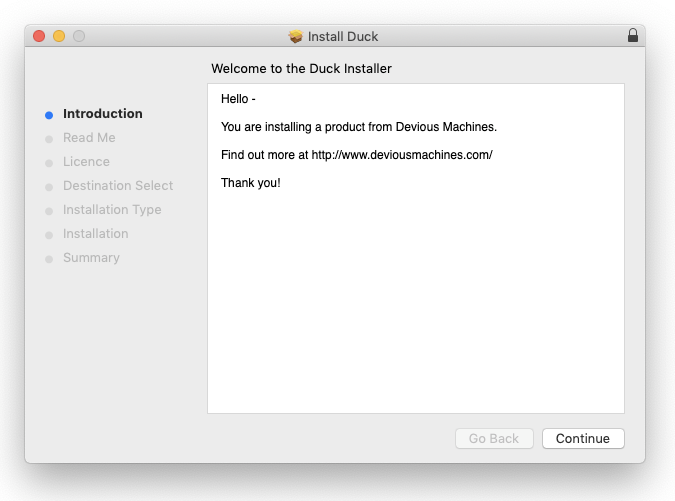
3. Click 'Continue'.
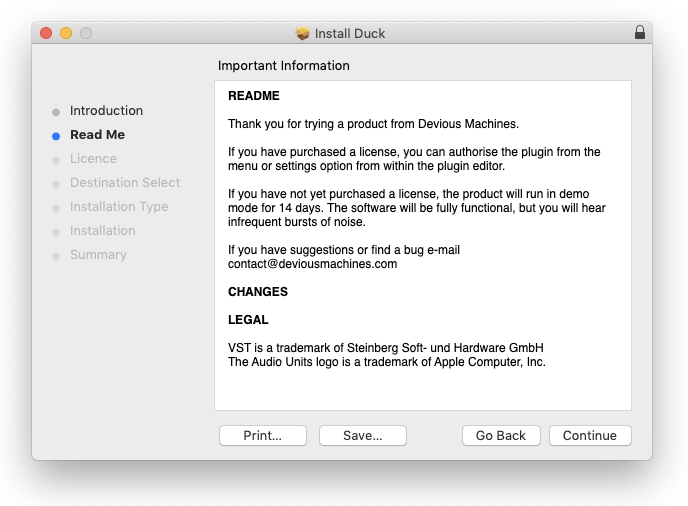
4. Click 'Continue'.
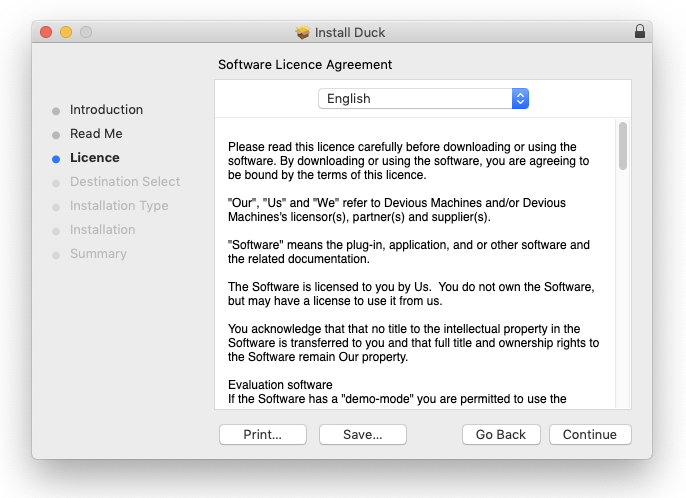
5. Click 'Agree'.
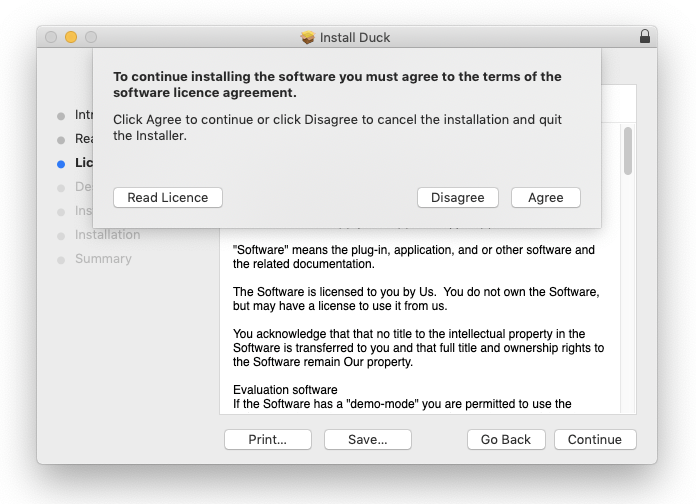
6. Click 'Continue'.
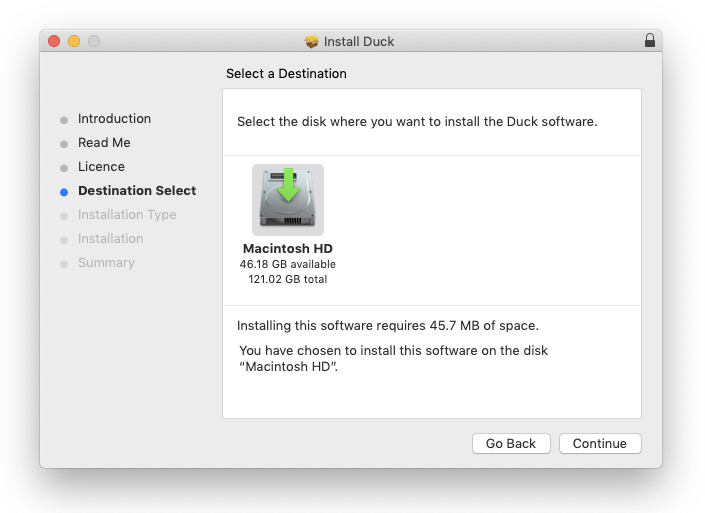
7. Click 'Install'.
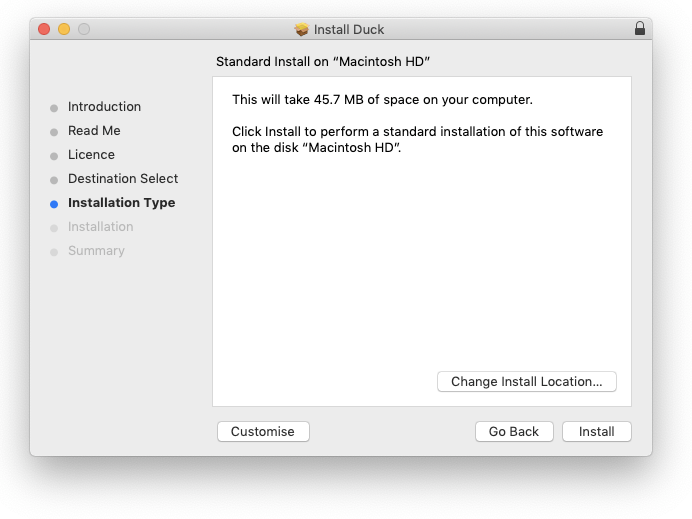
8. Enter your computer username and password > Click 'Install Software'.
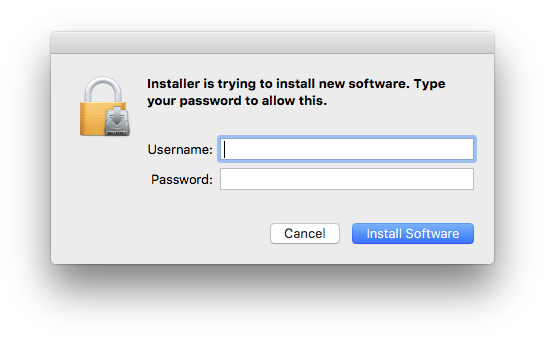
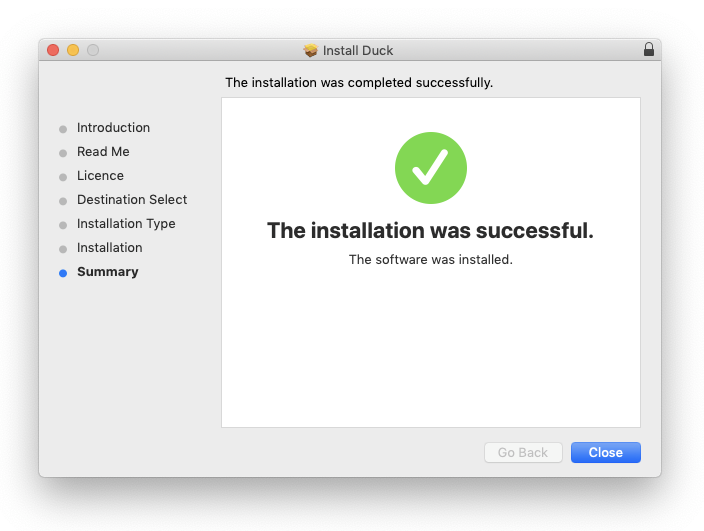
9. Click 'Close'.
Activation
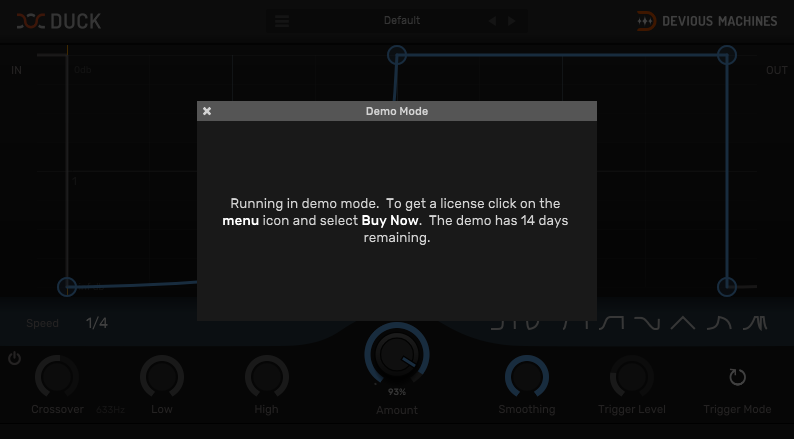
1. Open the plugin in your DAW > Click the 'X' icon.
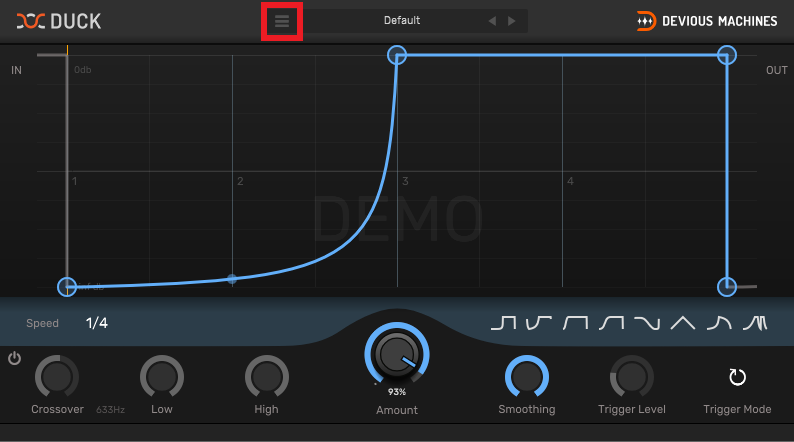
2. Click the menu drop-down icon (located within the red box in the image below) to open the drop-down menu.
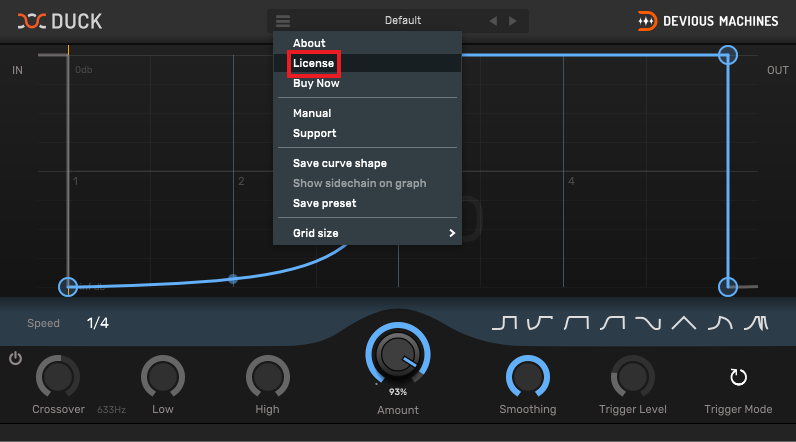
3. Click 'License'.
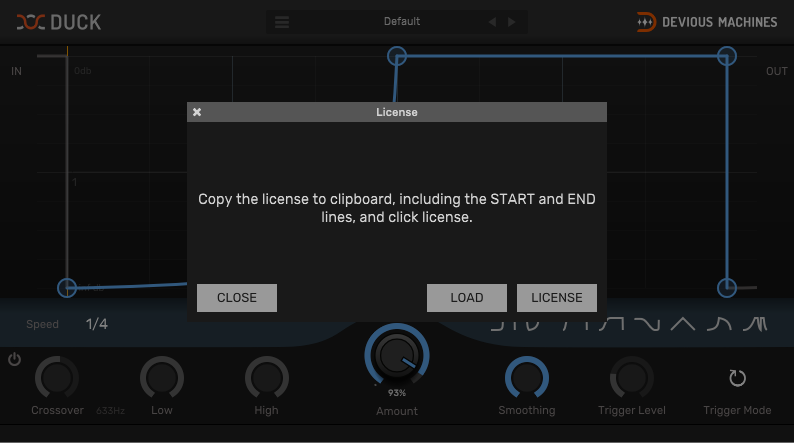
4. Copy the serial number from within your Plugin Boutique account > Click 'License'.
Note: Be sure to include the ---START--- and ---END--- of the serial number when copying it from your Plugin Boutique User Account.
5. Click 'Close'.
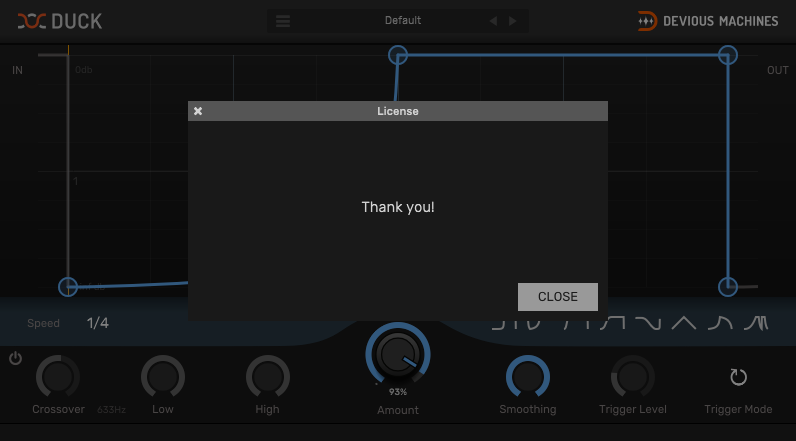
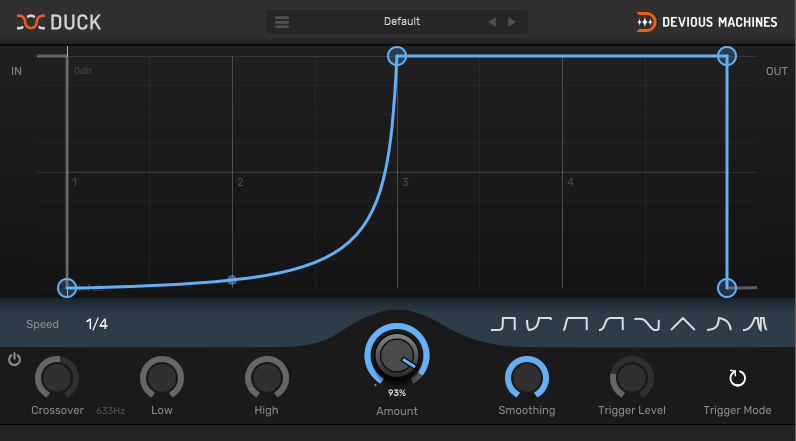
Your product is now activated and ready to use within your DAW.
Windows
Installation
1. Download the .zip file from your Plugin Boutique account and double-click it to extract the contents > Double-click the .exe file to begin the installation.
2. Select 'I Accept the Agreement' > Click 'Next'.
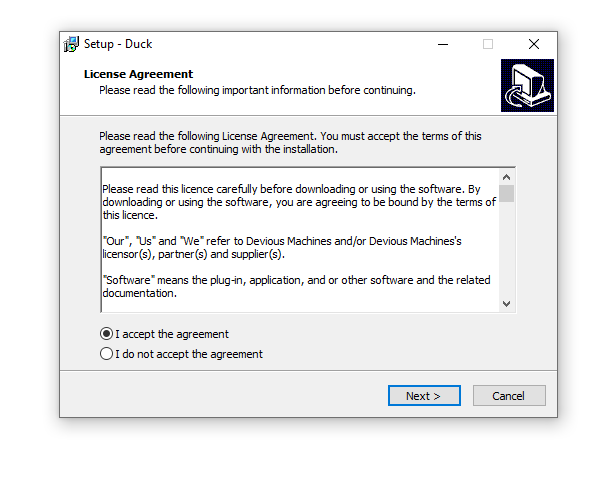
3. Click 'Next'.
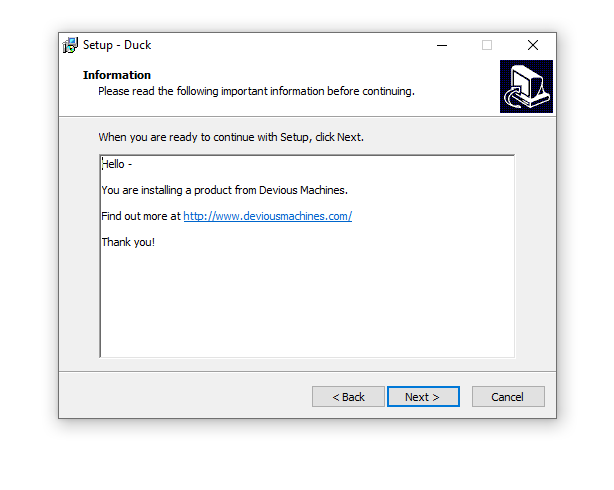
4. Click 'Next'.
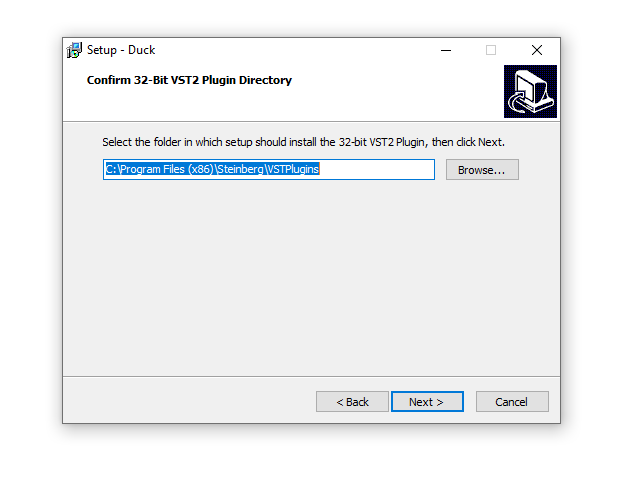
5. Click 'Next'.
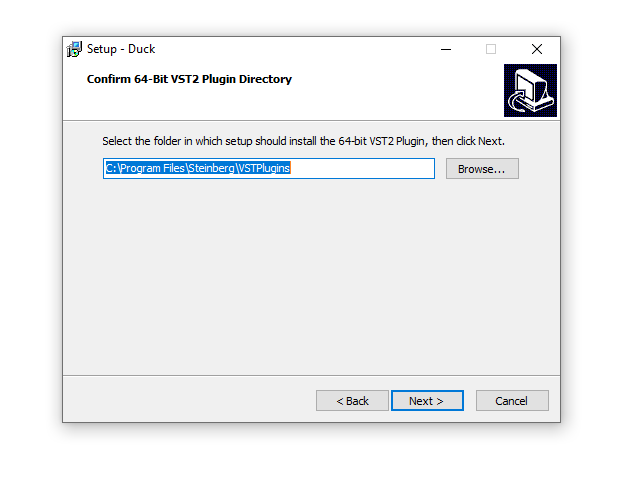
6. Click 'Next'.
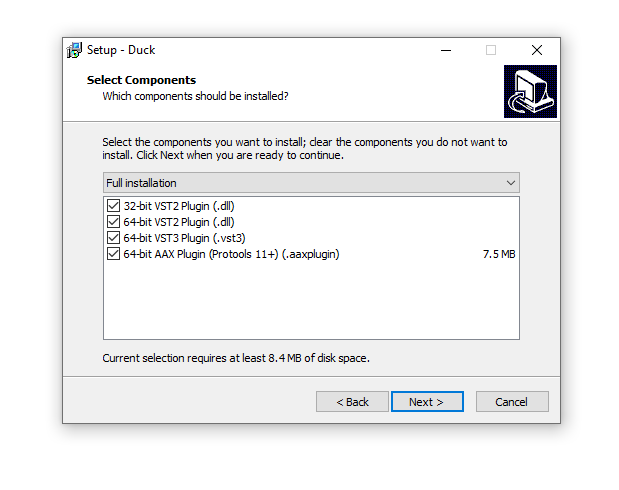
7. Click 'Install'.
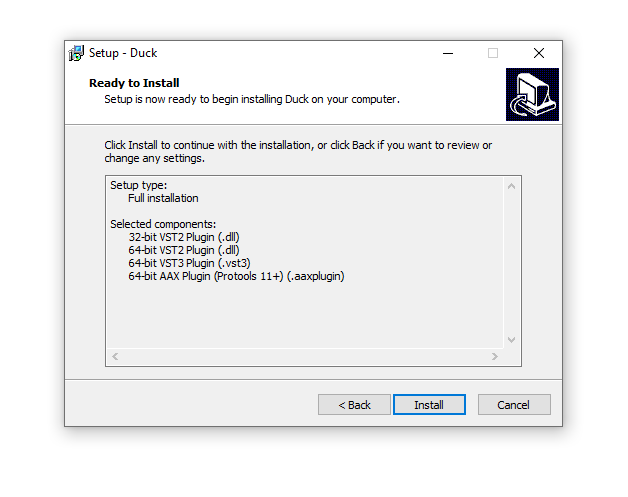
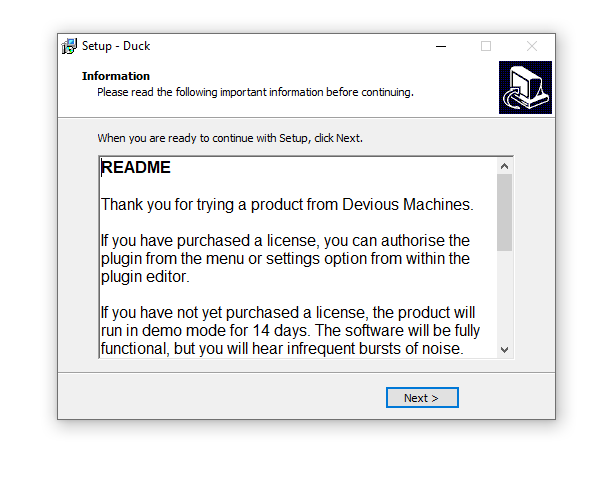
8. Click 'Next'.
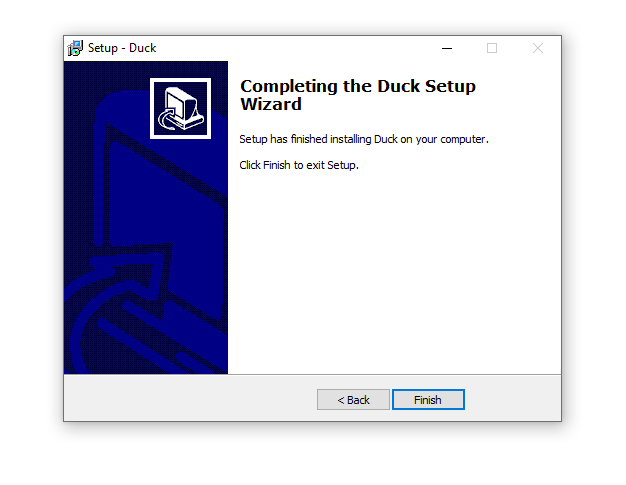
9. Click 'Finish'.
Activation
1. Open the plugin in your DAW > Click the 'X' icon.
2. Click the menu drop-down icon (located within the red box in the image below) to open the drop-down menu.
3. Click 'License'.
4. Copy the serial number from within your Plugin Boutique account > Click 'License'.
Note: Be sure to include the ---START--- and ---END--- of the serial number when copying it from your Plugin Boutique User Account.
5. Click 'Close'.
Your product is now activated and ready to use within your DAW.
If you would like any further assistance with your software, please feel free to reach out to our support team at support@pluginboutique.com.