
Welcome to the IK Multimedia installation page.
Please find our installation guide videos below, which provide information on how to register, install and authorise your IK Multimedia software.
Mac Video Installation Guide
Windows Installation Guide
Alternatively, please take a look at our step-by-step guides below.
Installation
1. Go to https://www.ikmultimedia.com/products/productmanager/#download or click 'Download' in your Plugin Boutique User Account.
2. Download the relevant installer by clicking on the Windows or Mac download buttons.

3. Install the IK Multimedia Product Manager > Open once installed.
4. Click 'Create Account' > If you already have an IK Media account, skip to step 7.
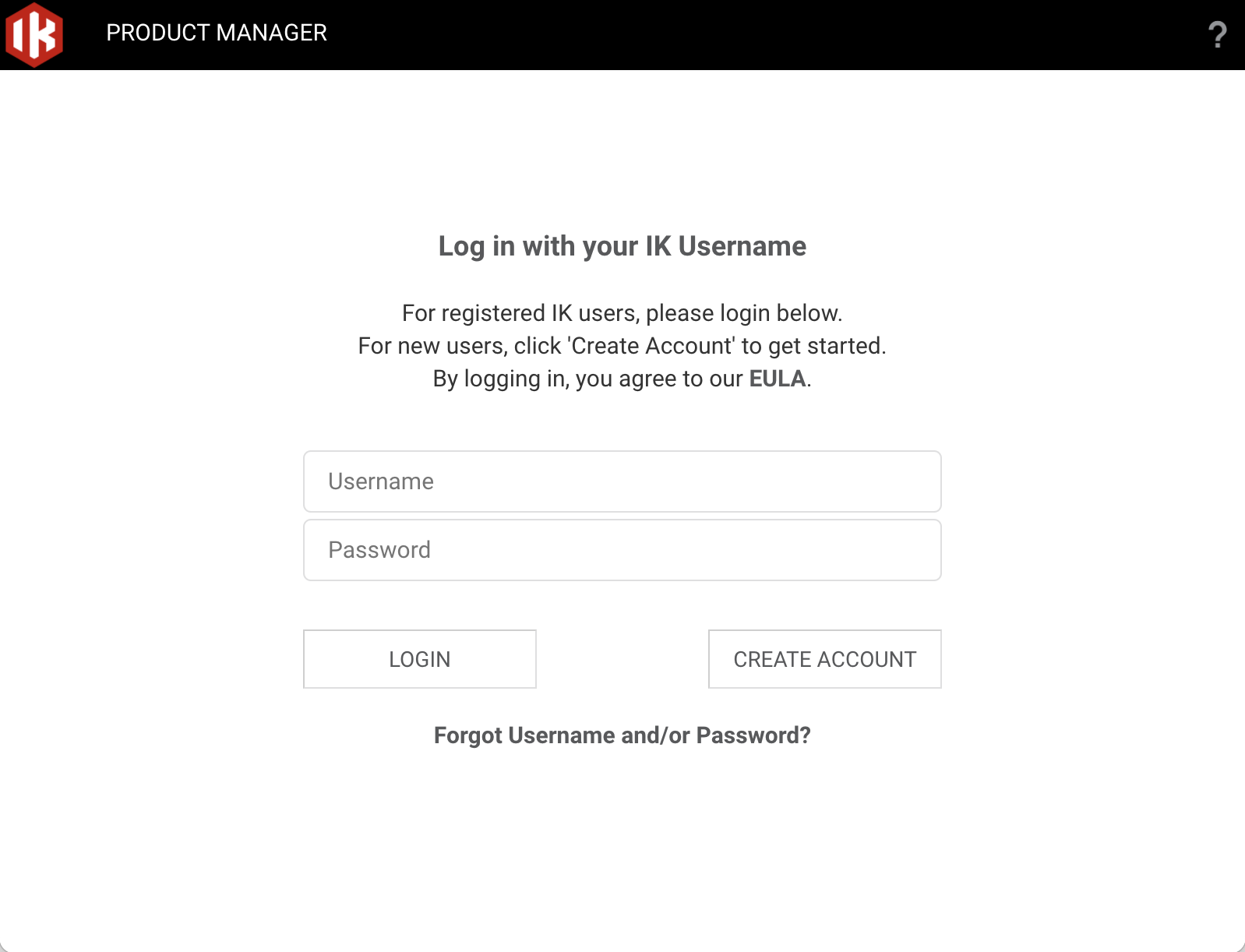
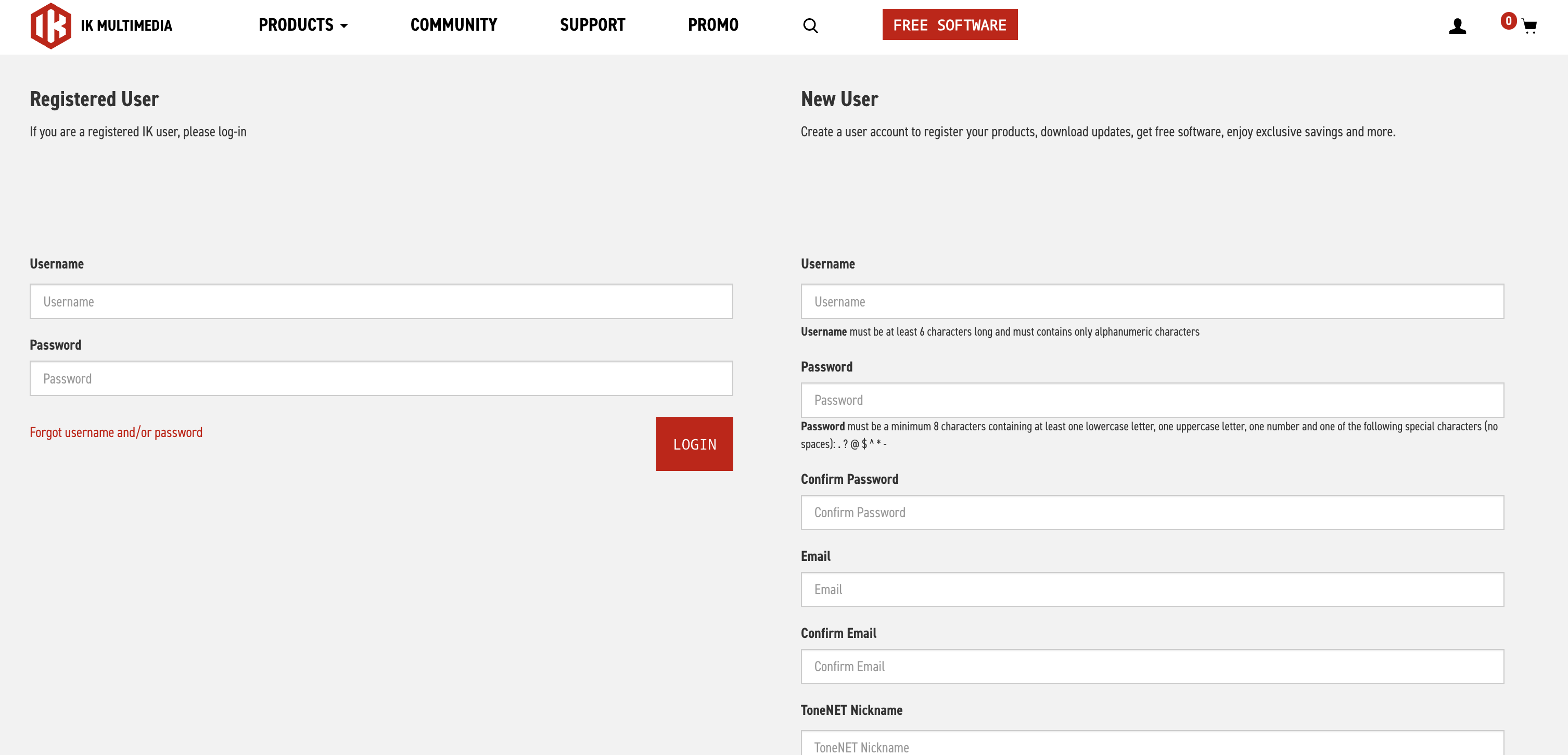
5. Enter the requested information > Click 'Register'.
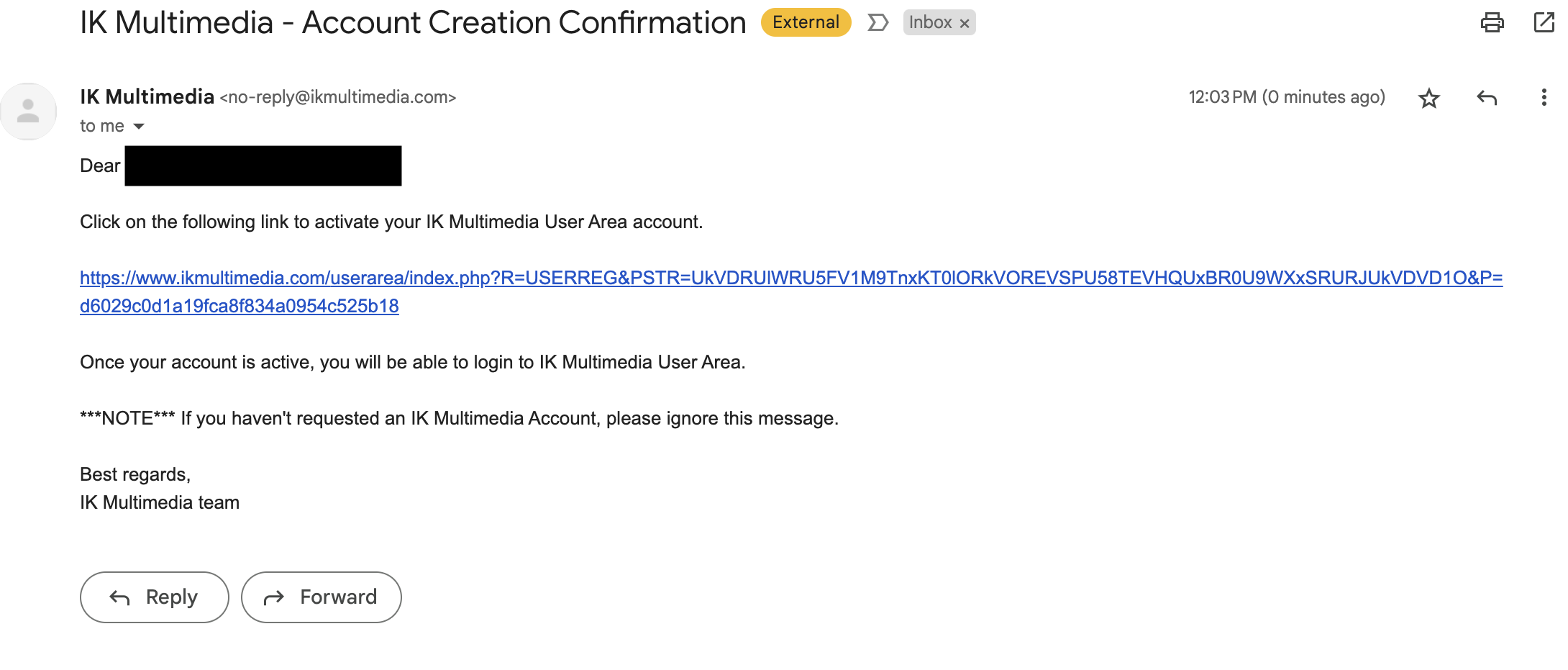
6. Open your email and locate the conformation email from IK Multimedia > Click the conformation link.
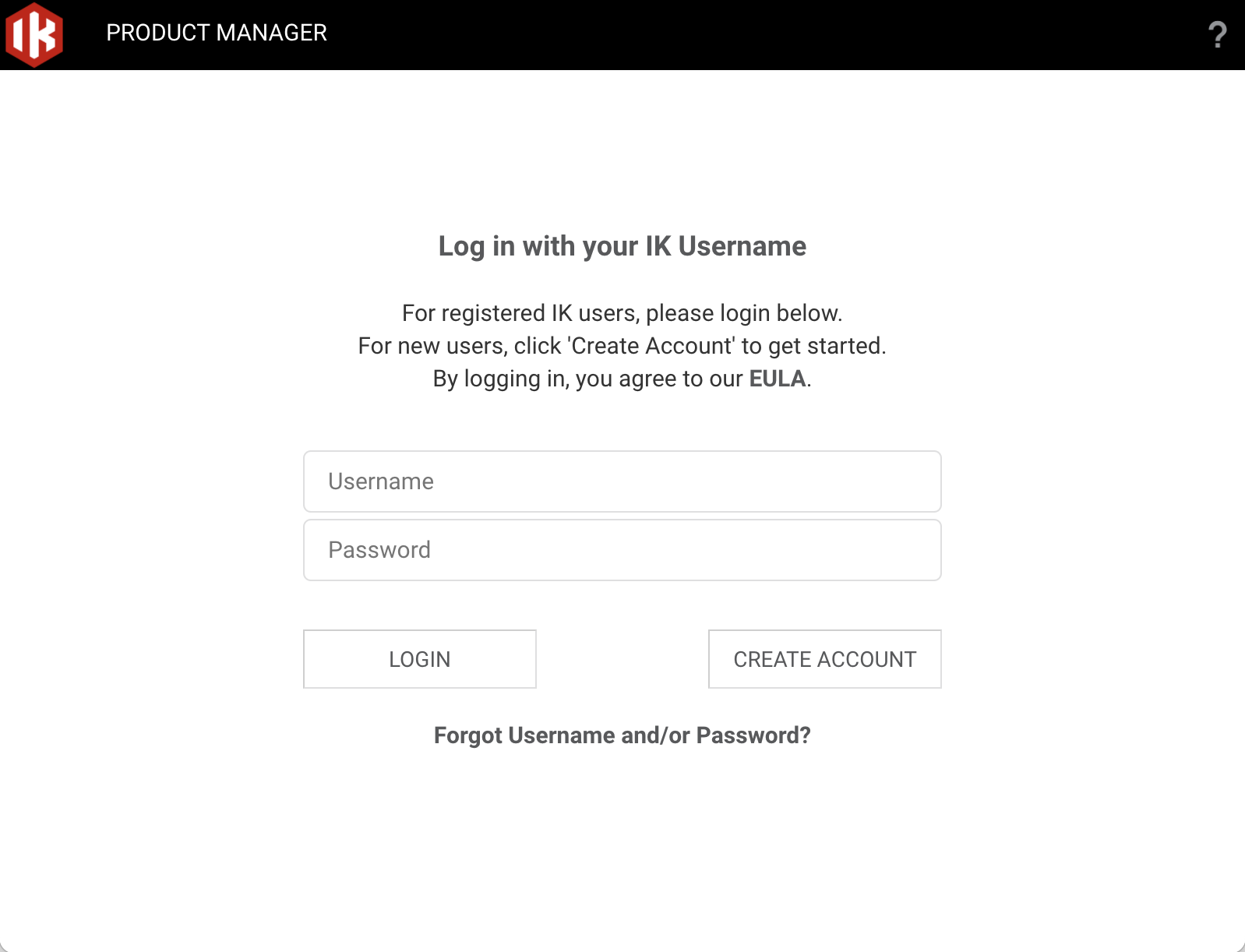
7. Head back to the Product Manager and log in with your newly created account details.
9. Click 'Register'.
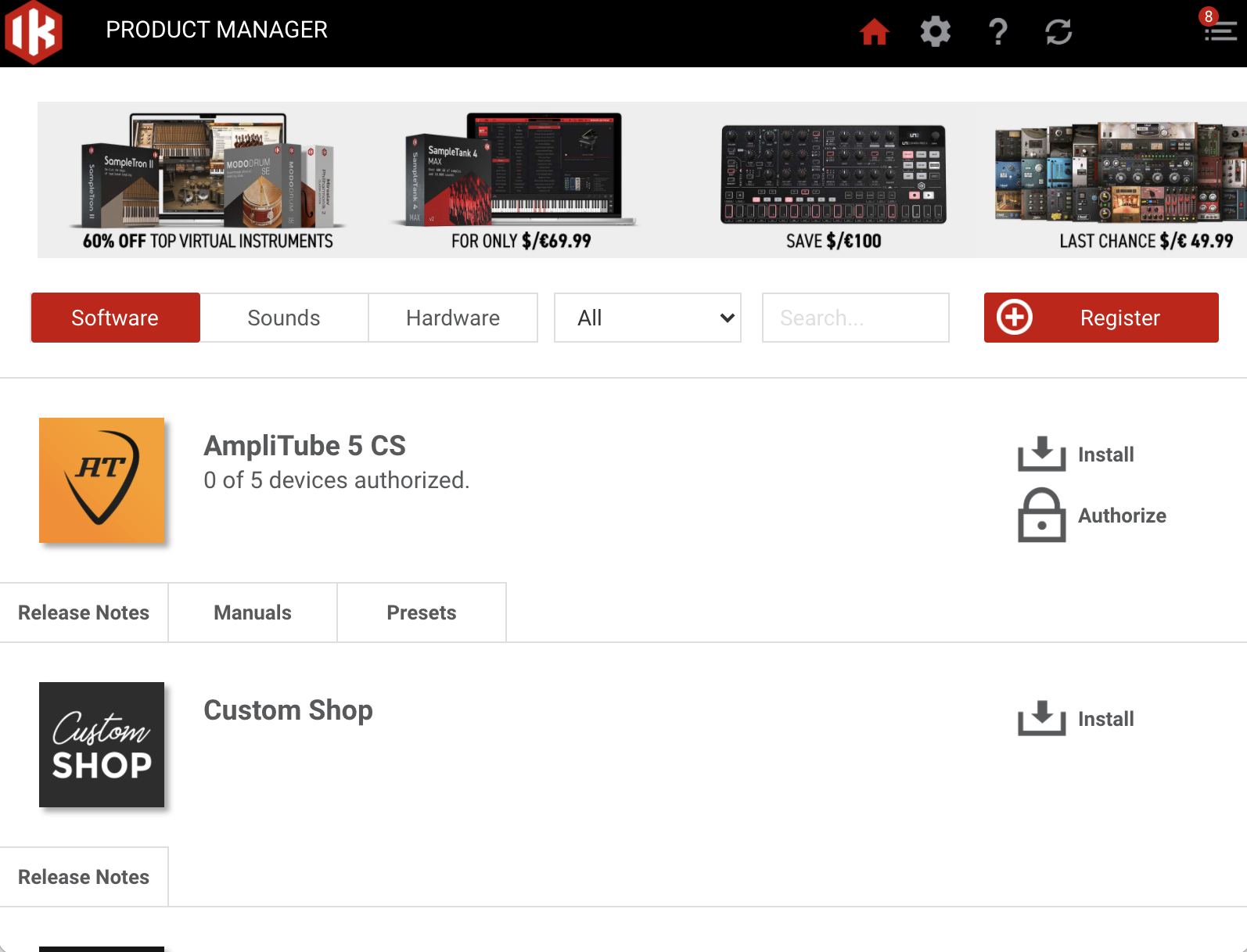
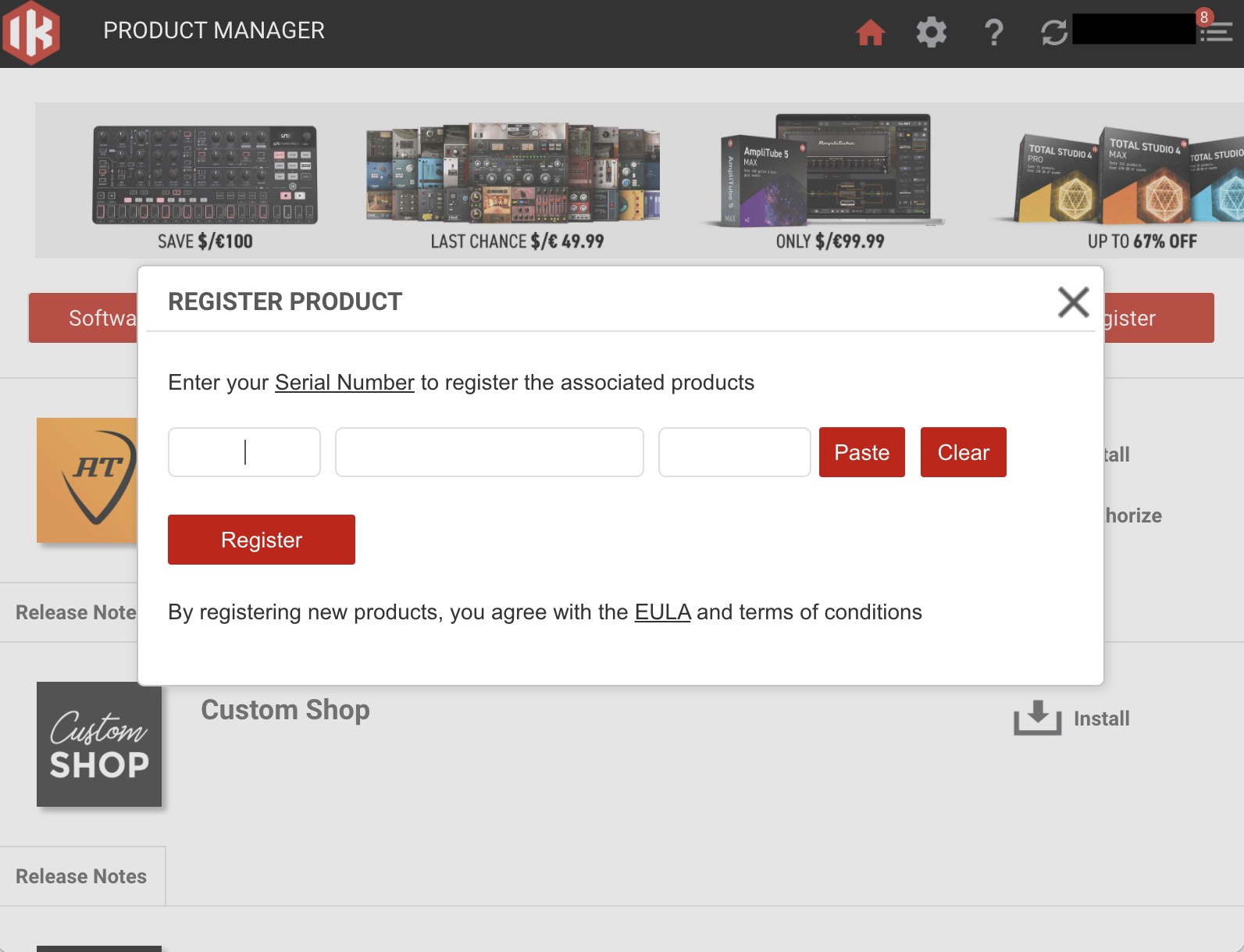
10. Enter the Serial Number in your Plugin Boutique User Account > Click 'Register'.
11. Click 'Install' on the plugin you wish to install.
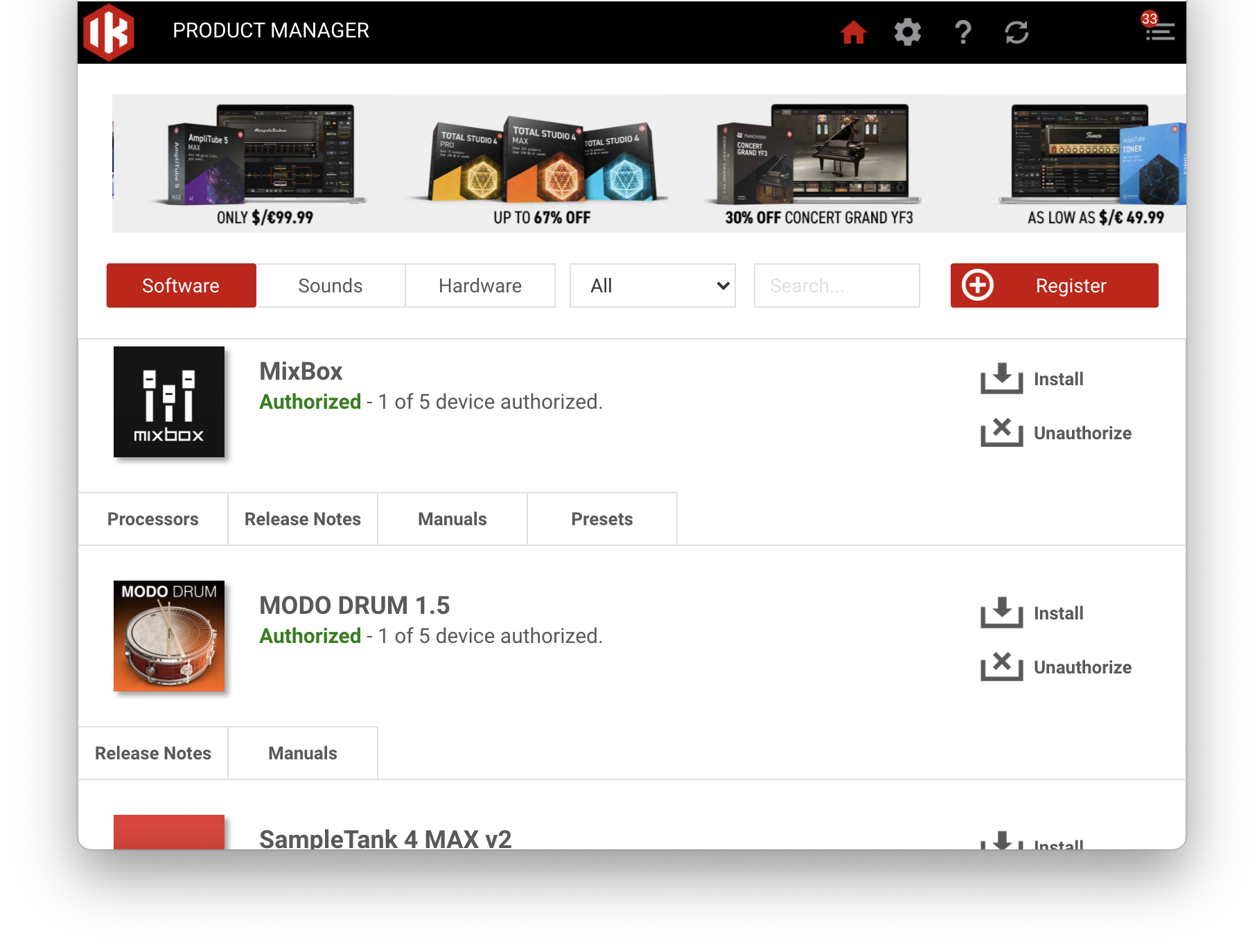
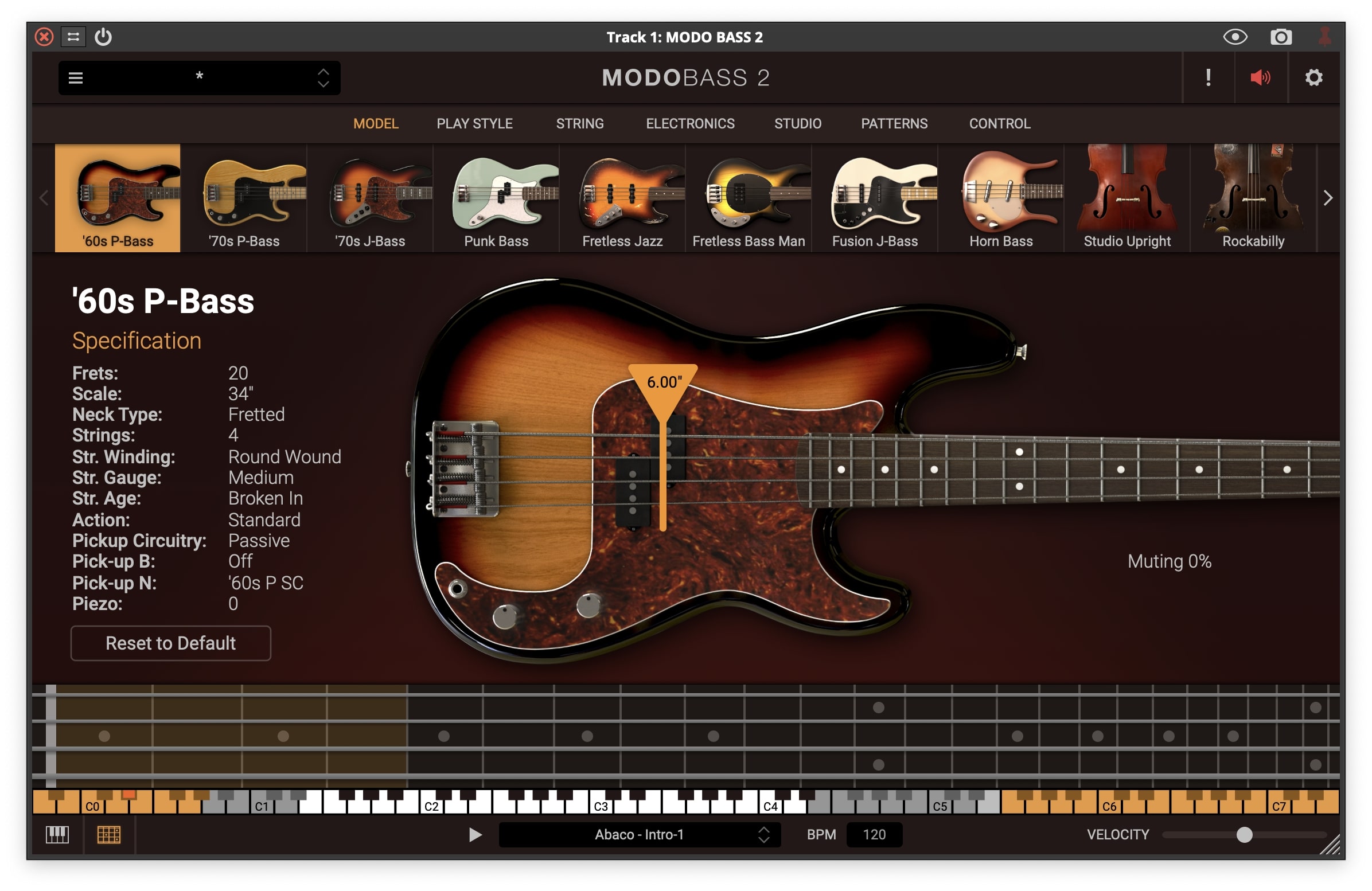
Your plugin is now installed and ready to be used within your DAW!
If you would like any further assistance with your software, please feel free to reach out to our support team at support@pluginboutique.com.