
Welcome to the Synchro Arts installation page.
Please take a look at our installation guide videos below, which provide information on how to register, install and authorise your Synchro Arts software.
System Requirements
Mac
- macOS 10.11 or higher
- Intel Processors of Apple Silicon (M Series) Processor
- AU, VST3, or AAX 64-bit host
*Apple Silicon Version of Logic does not support ARA plugins
Windows
- Windows 10 or higher
- Intel or AMD Processor
- VST3, or AAX 64-bit host
Mac Video Installation Guide
Windows Video Installation Guide
Alternatively, you can follow the step-by-step instructions below for your software.
Activation
1. Click download in your Plugin Boutique User Account or go to https://app.synchroarts.com/my-plugins.
2. Log in or sign up for an account - go to https://app.synchroarts.com/my-plugins
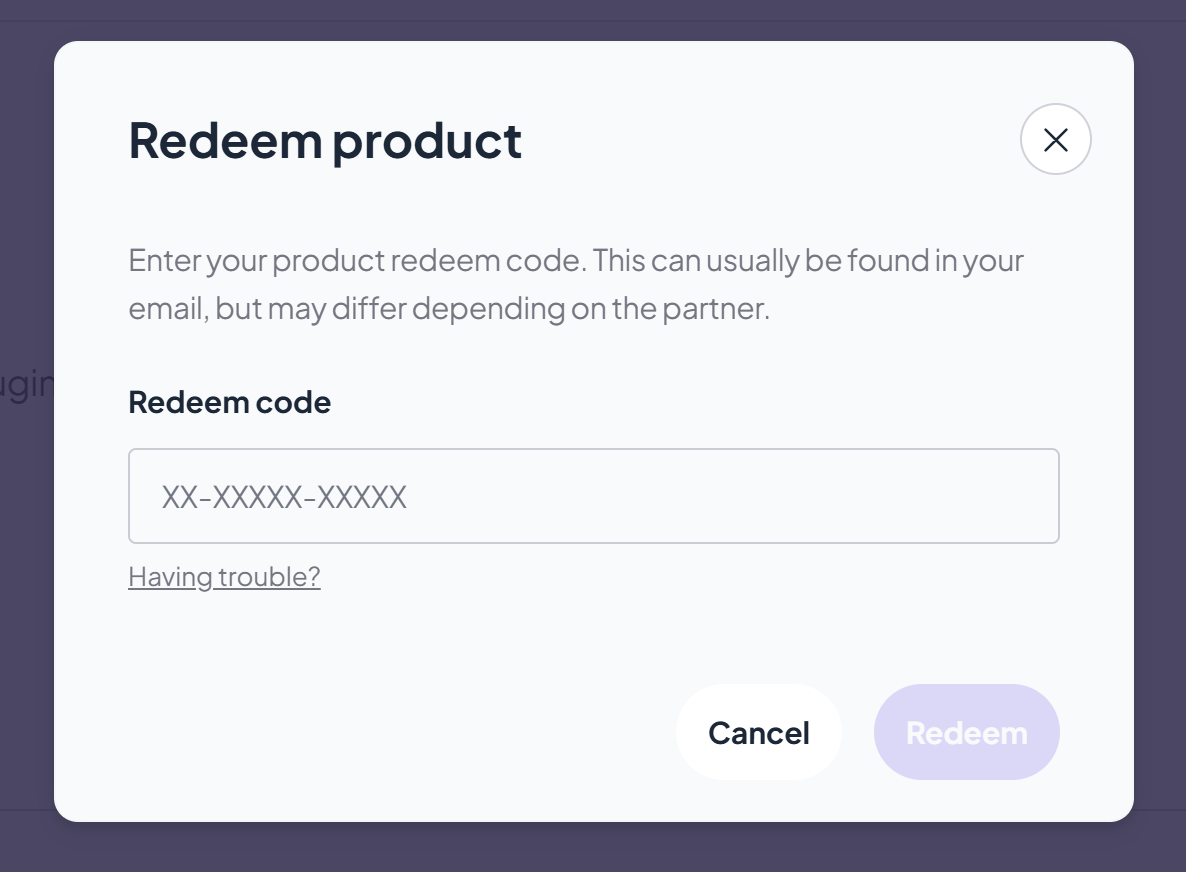
3. Click 'Use Redeem Code' > Enter the serial number found in your Plugin Boutique User Account > click 'Redeem'.
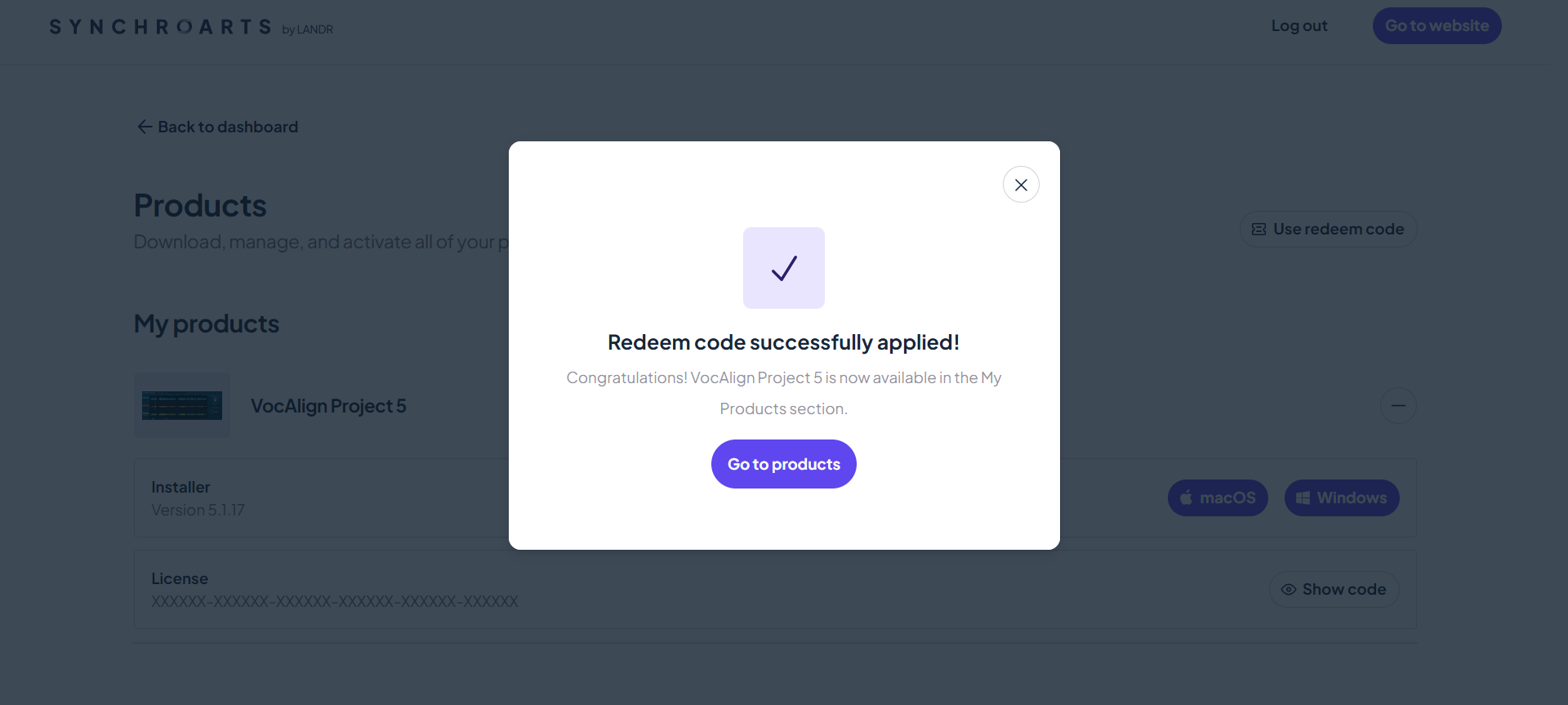
4. Click 'Go to products'.
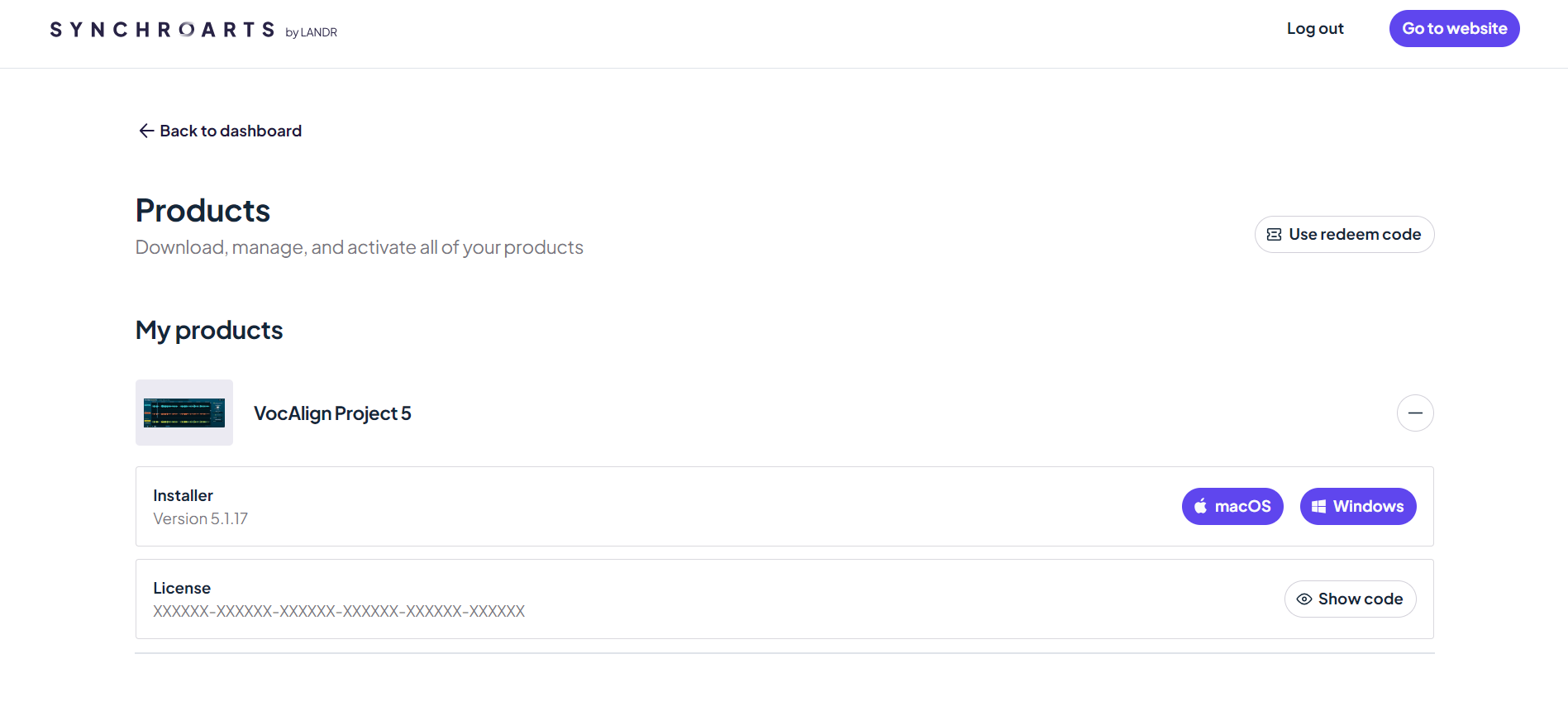
5. Click on the relevant installer to begin the download.
PC
1. Double-click the .exe file to begin the installation.
2. Click 'Install'.
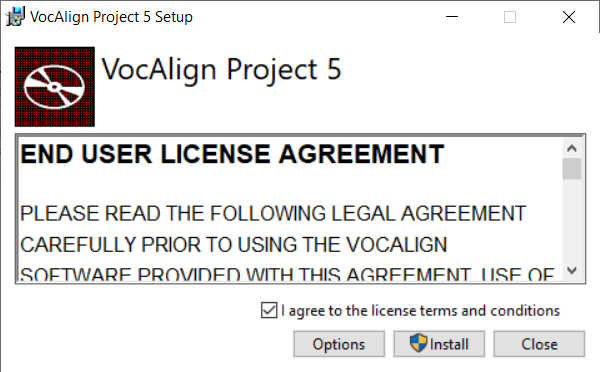
3. Click 'Close'.
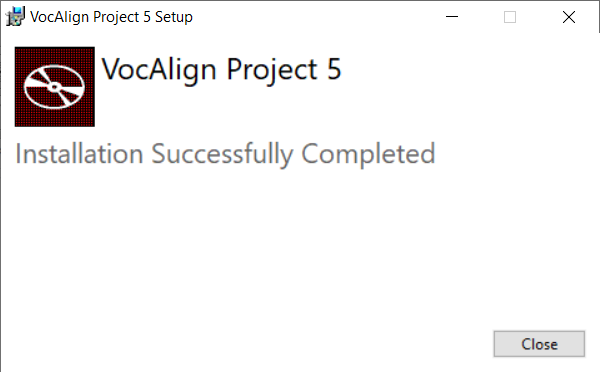
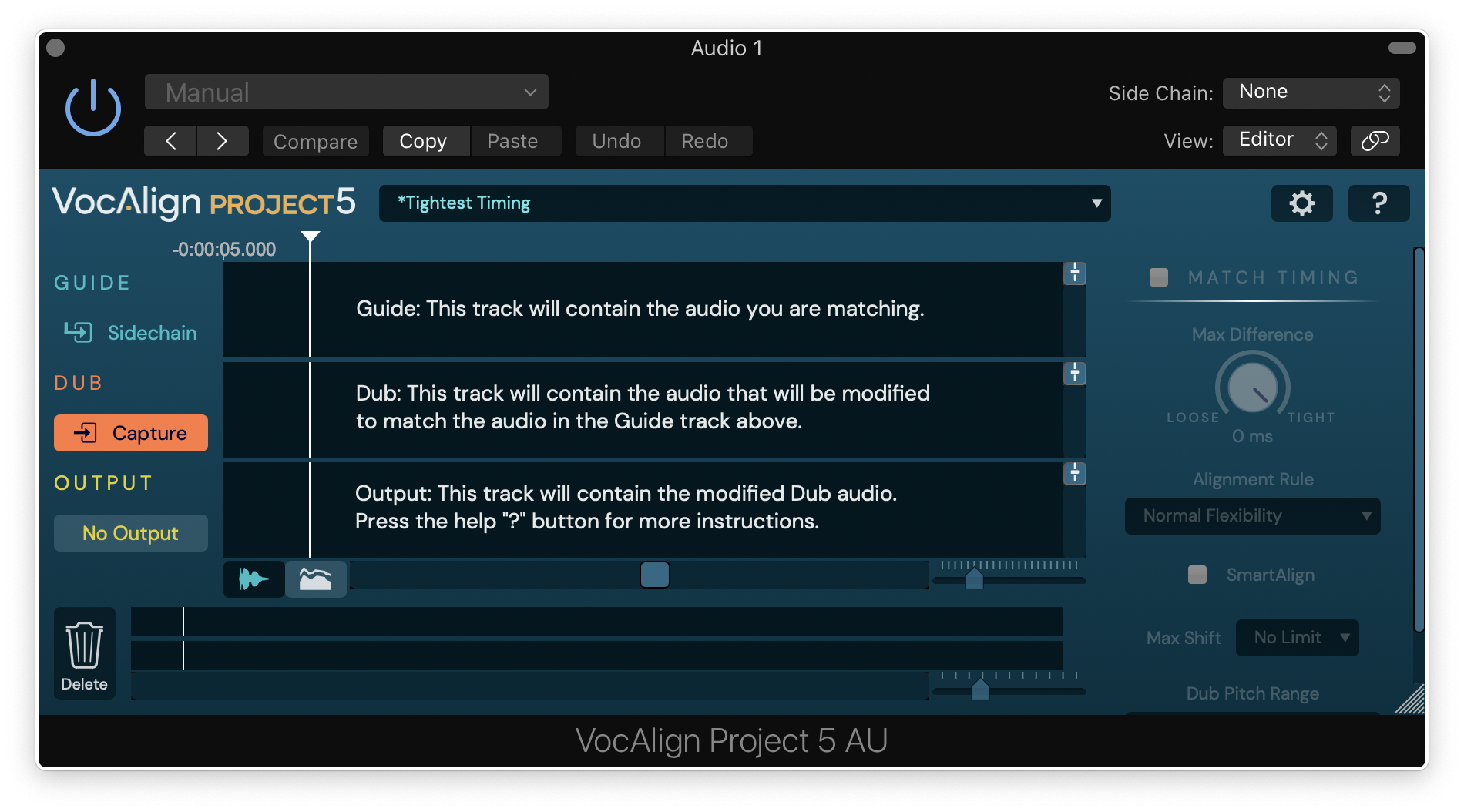
4. Open your DAW and open VocAlign Project 5.
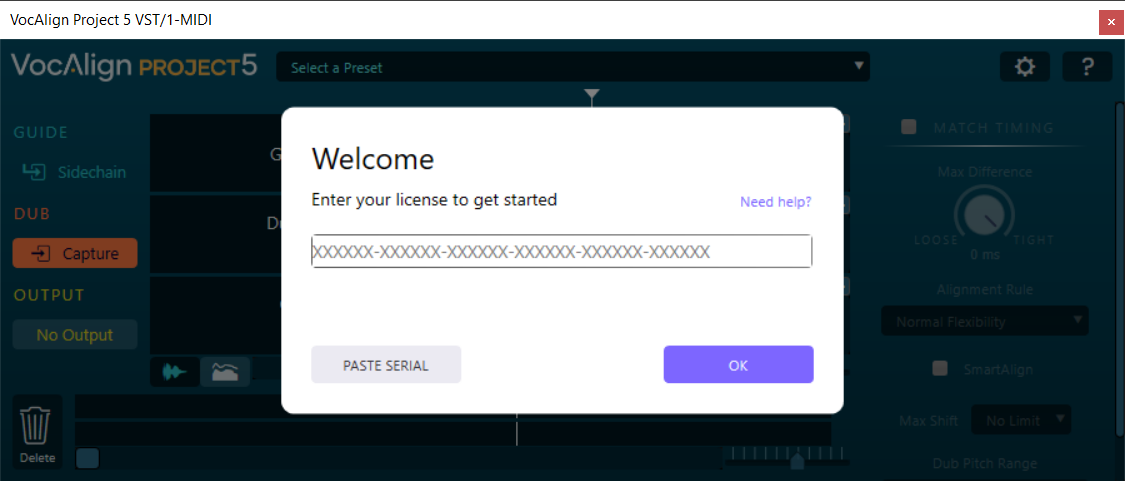
5. Copy the license code found in your Synchro Arts account > Click 'OK'.
6. Click 'Close'.
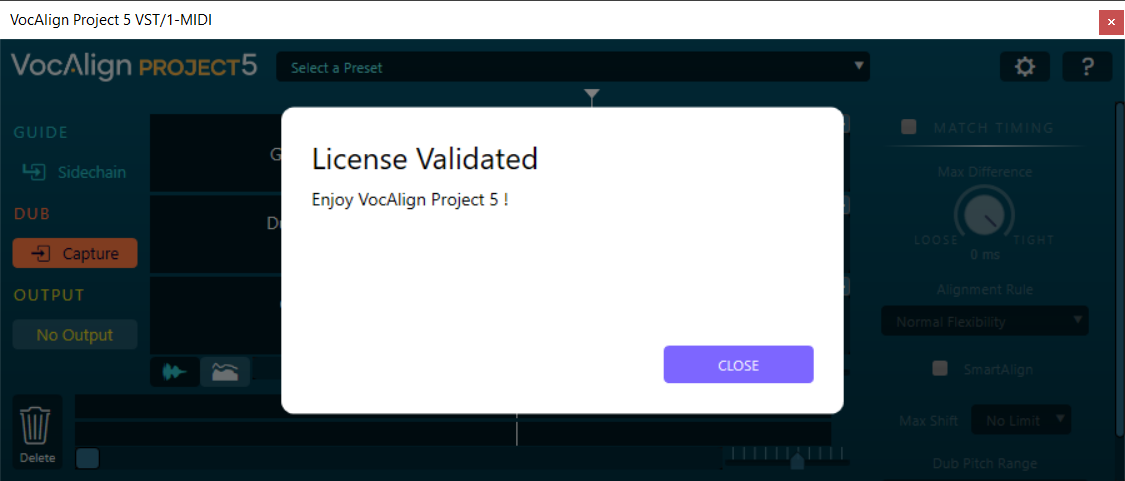
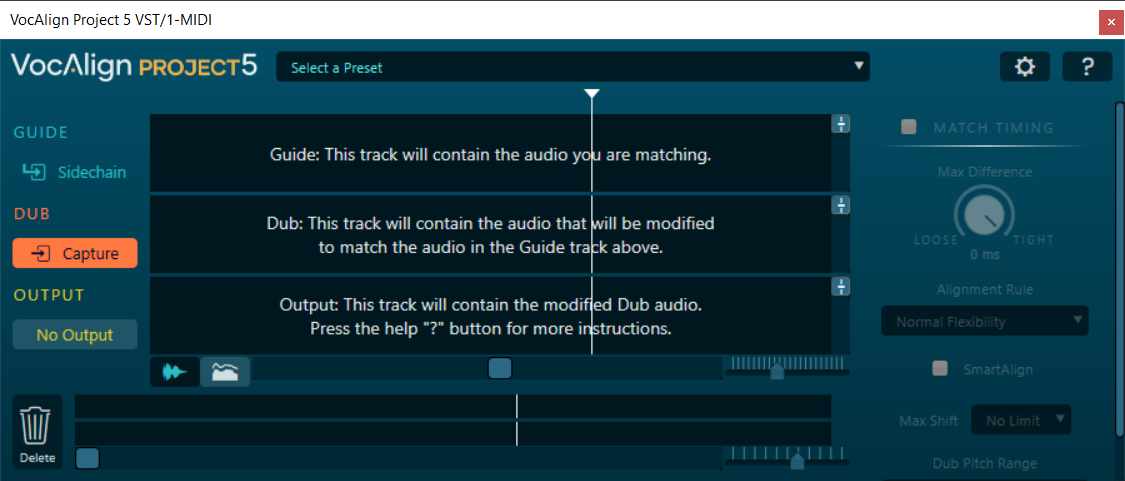
Your software is now activated and ready for use in your DAW!
Mac
1. Double-click the .pkg file to begin the installation.
2. Click 'Continue'.
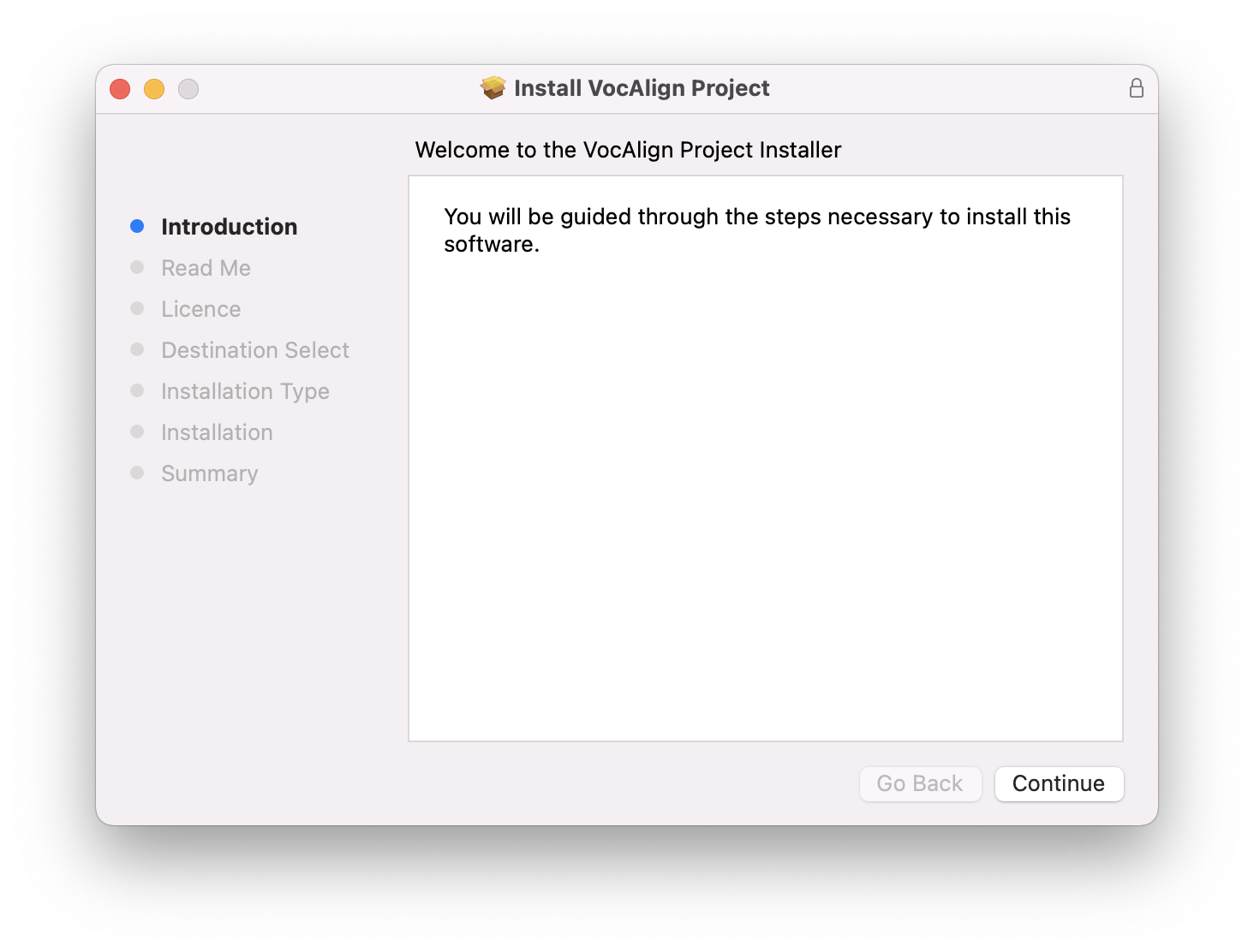
3. Click 'Continue'.
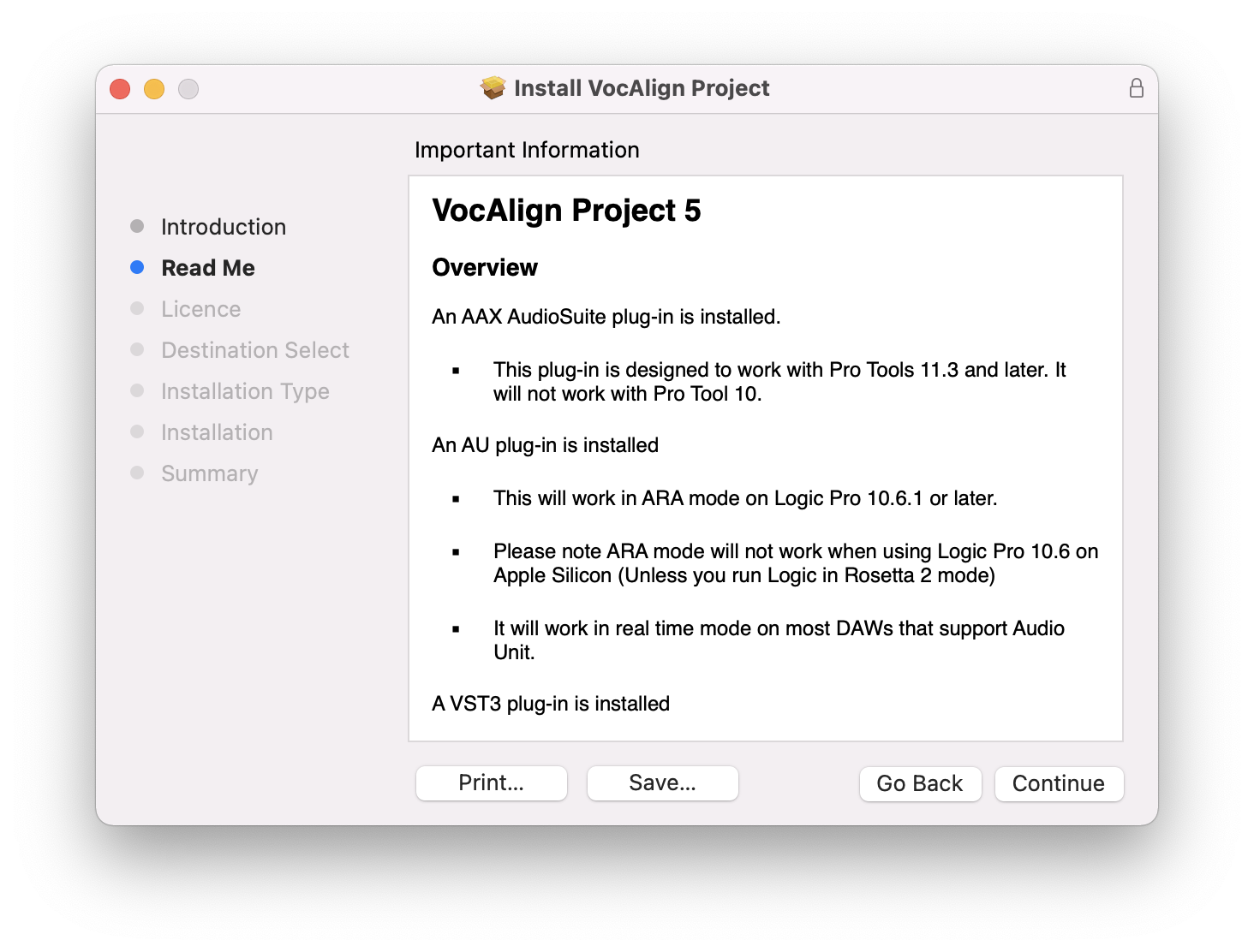
4. Click 'Continue'.
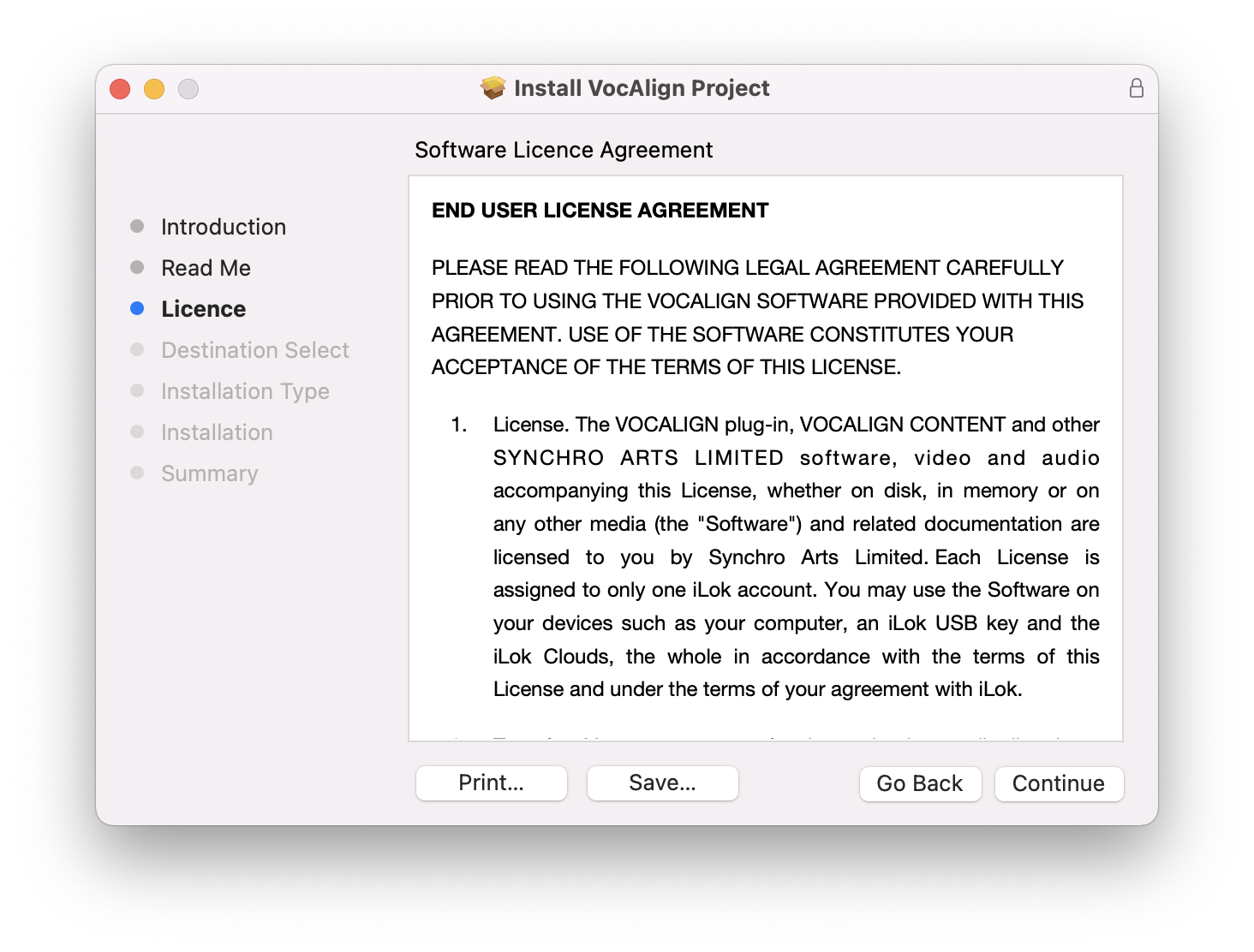
5. Click 'Agree'.
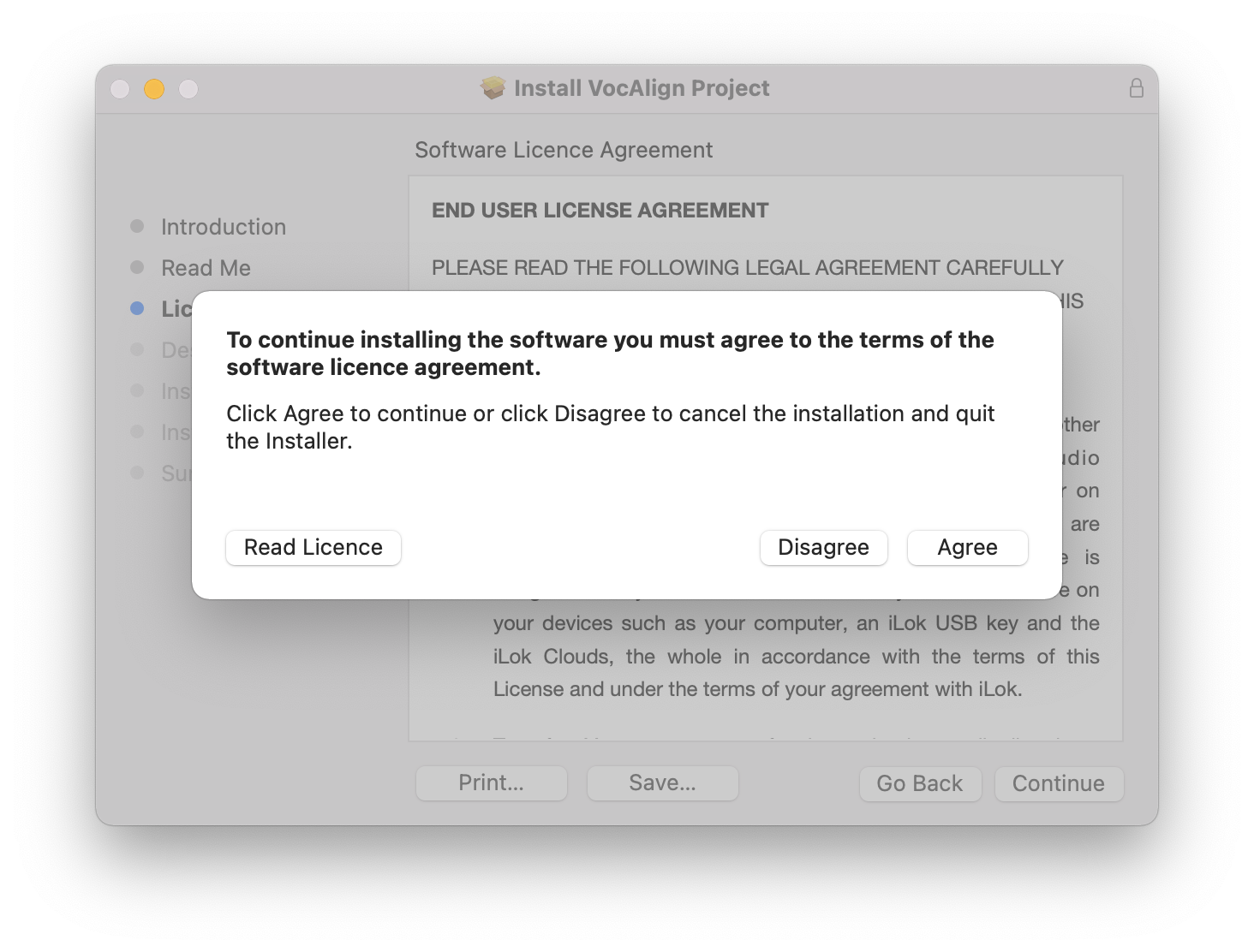
6. Click 'Install'.
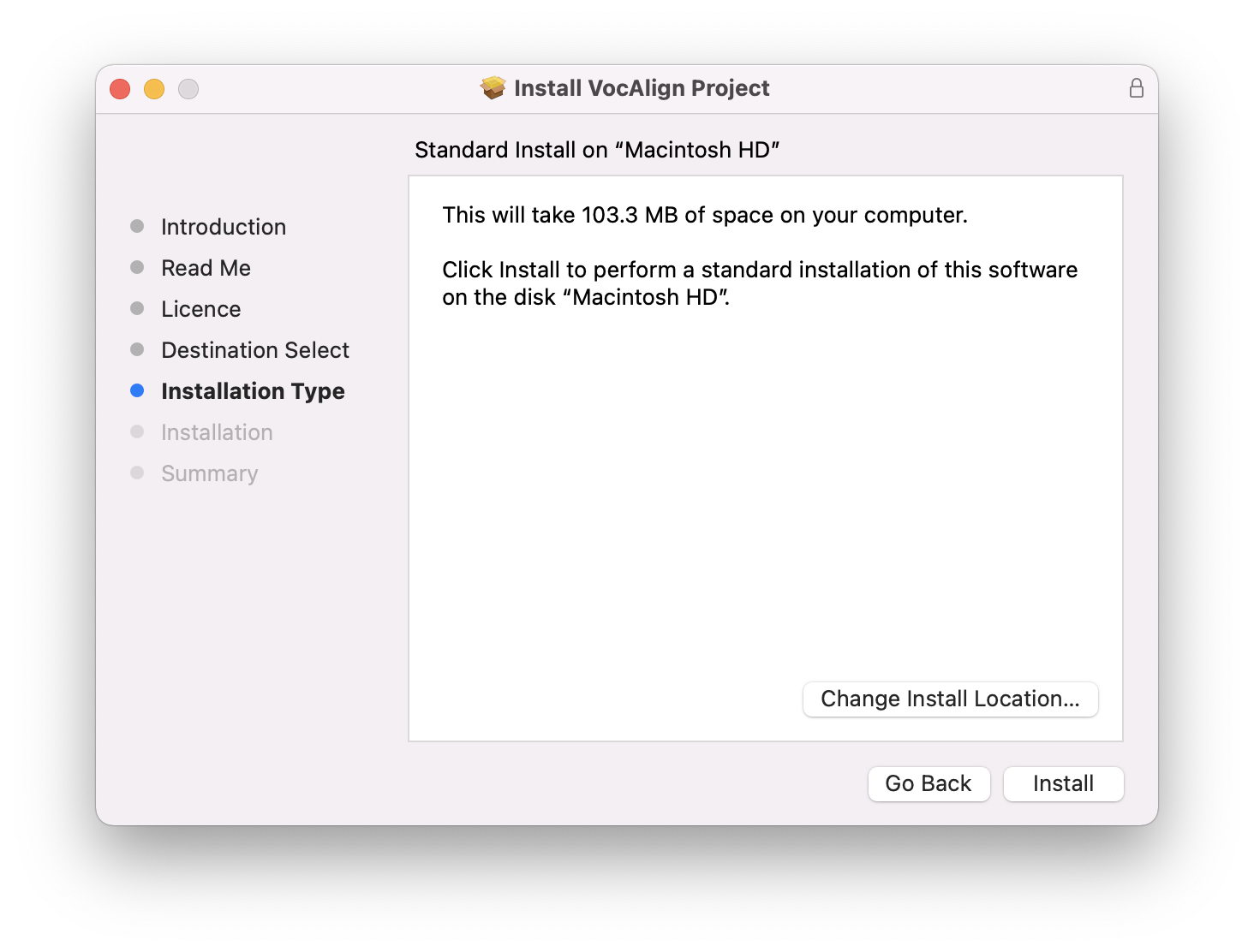
7. Click 'Close'.
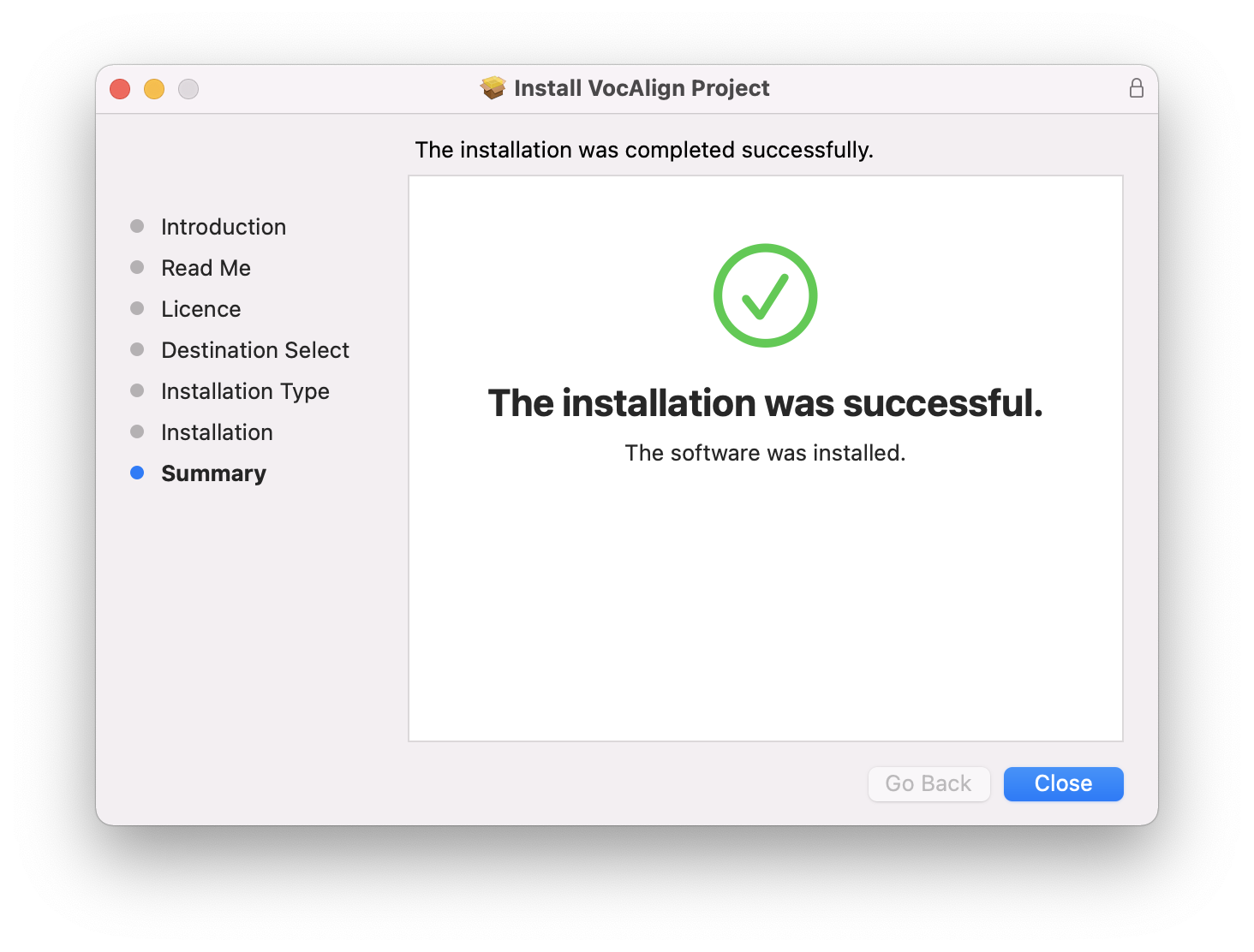
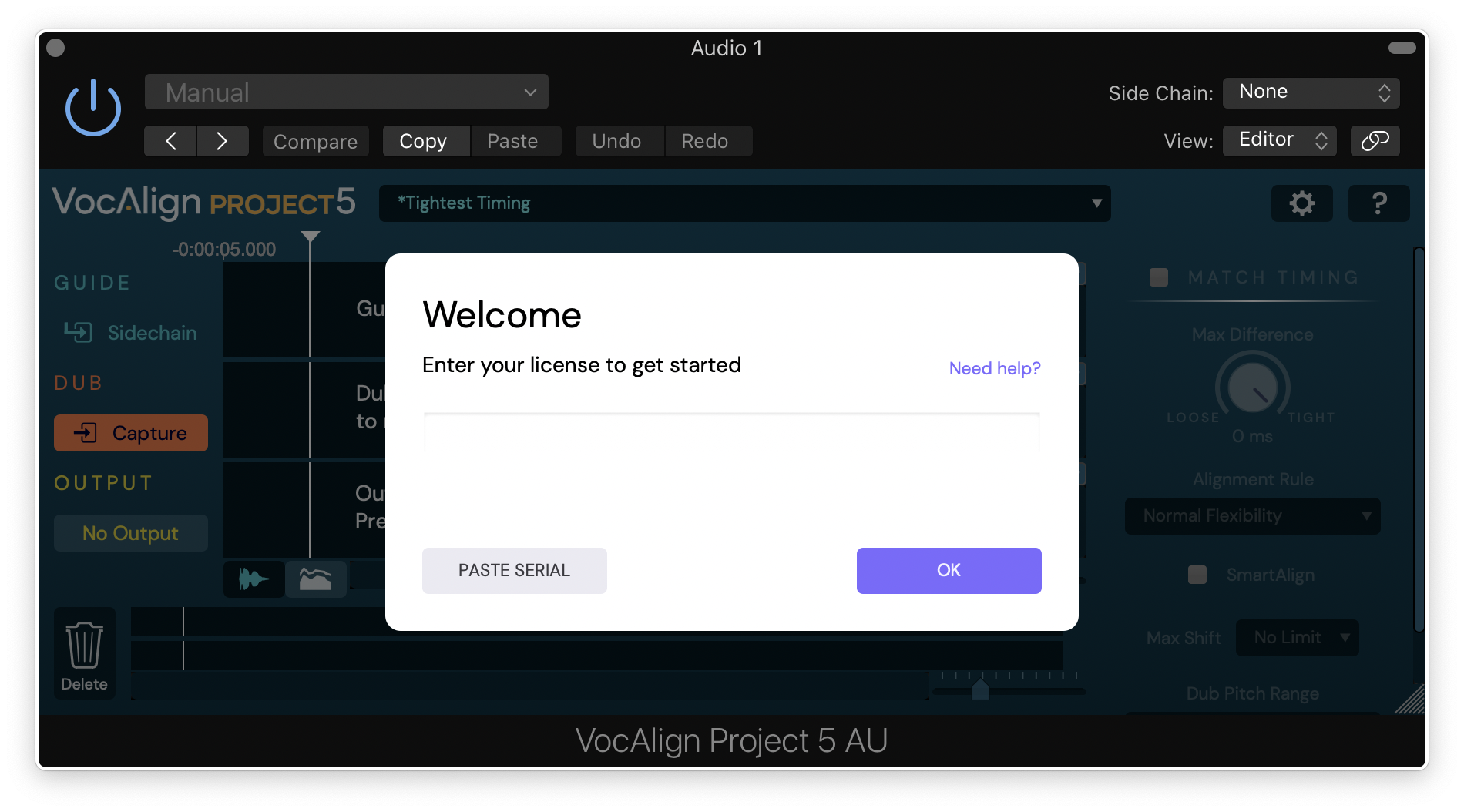
8. Open your DAW and open VocAlign Project 5.
9. Copy the license code found in your Synchro Arts account > Click 'OK'.
10. Click 'Close'.
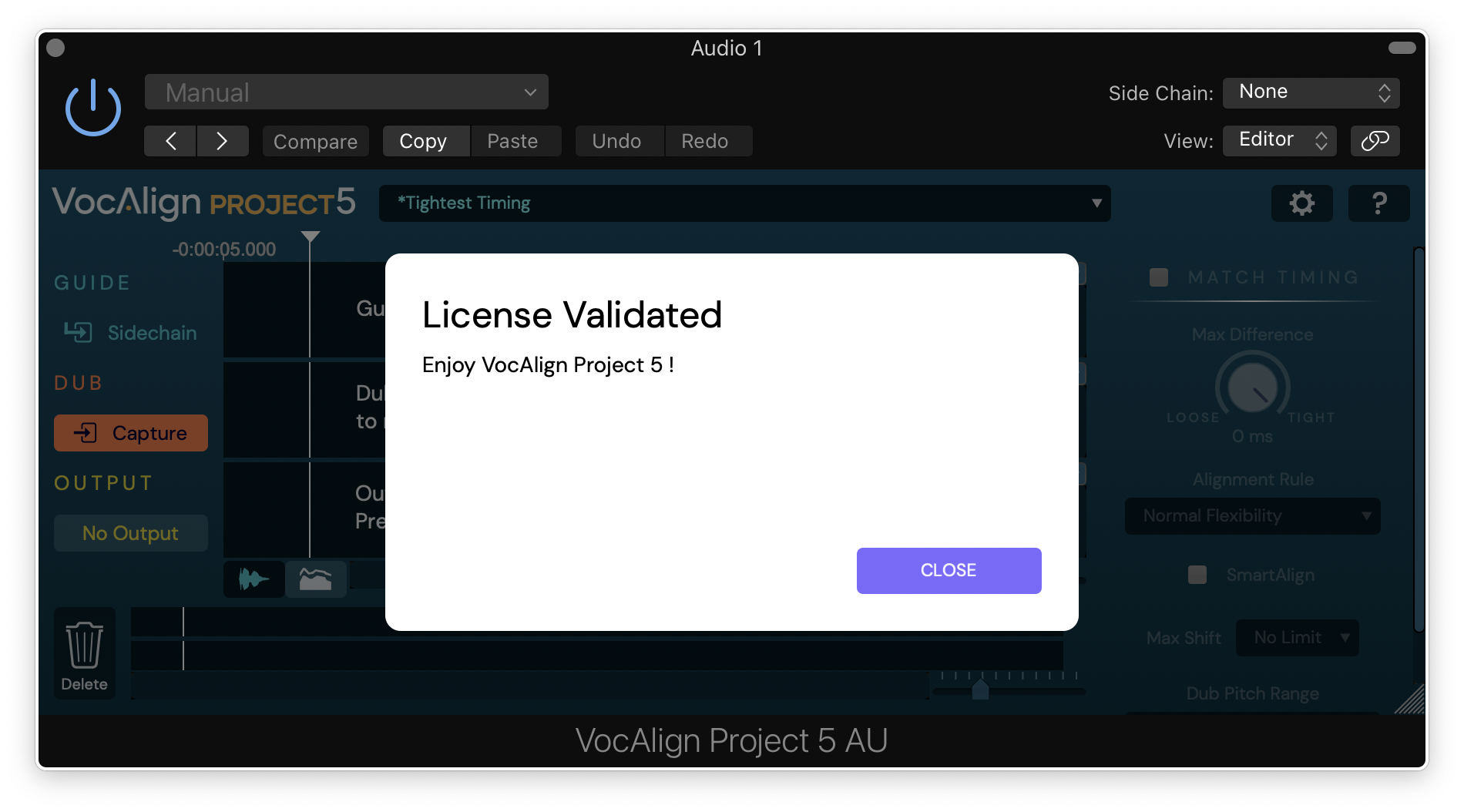
Your software is now activated and ready for use in your DAW!
If you would like any further assistance with your software, please feel free to reach out to our support team at support@pluginboutique.com.