
Welcome to the Output installation page.
Please take a look at our installation guide videos below, which provide information on how to register, install and authorise your Output software.
System Requirements
- Comes in VST, VST3, AU, AAX
- 64 bit compatible only
- 8GB RAM required, 16GB RAM recommended
- Reliable internet connection for download delivery and product activation
- Allows for activation on two computers per serial code
Mac
- Mac OS X 10.14 - macOS 13 Ventura
- Apple Silicon M1 or better, Intel Core i5 or better
- 660 MB of free disk space required.
Windows
- Windows 10, Windows 11
- Intel Core i5 and AMD equivalent or better
- 220 MB of free disk space required.
Mac Video Installation Guide
Windows Video Installation Guide
Alternatively, you can follow the step-by-step instructions below for your software.
Installation Instructions
Important Note: In order to install Output software, you must first register an account at http://output.com/register
1. Go to http://output.com/register and register a new account or log in to your existing Output account.
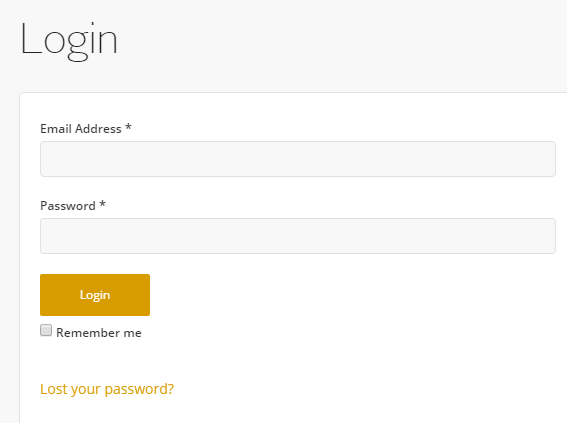
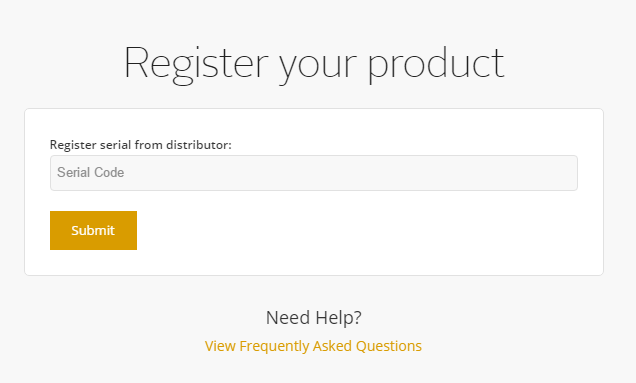
2. Once logged in, enter your serial from your Plugin Boutique user account at http://output.com/register > Click Submit.
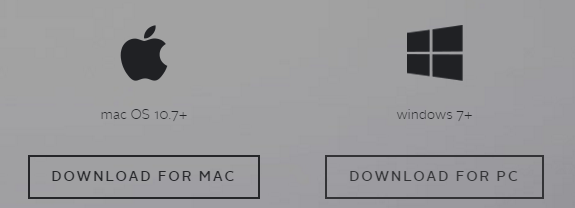
3. Download and install Output Hub for either Mac or PC.
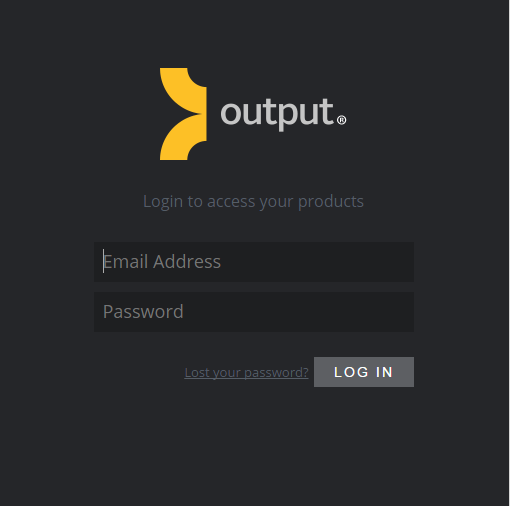
4. Open and login to Output Hub using your Output email address and password.
5. Here you will now have access to your Output product to download.
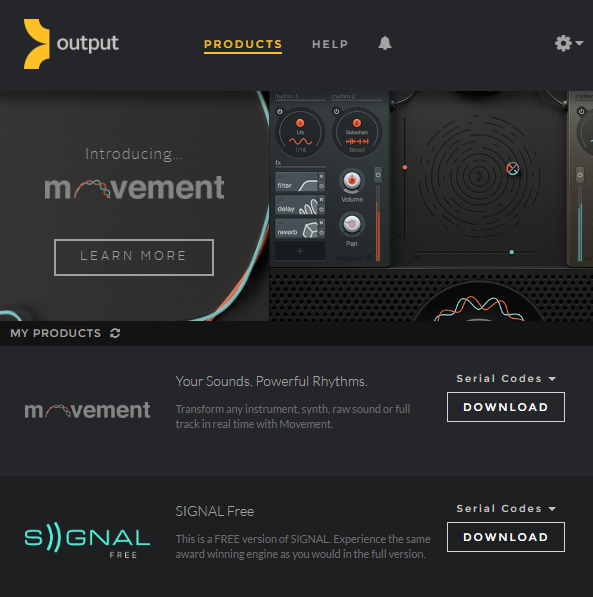
Please see the video guides on installing, Movement, Kontakt Libraries & Output Expansions.
Installing and activating plugins (using Movement as the example).
Installing and activating Kontakt Instruments.
Installing and activating an Expansion Pack.
If you would like any further assistance with your software, please feel free to reach out to our support team at support@pluginboutique.com.